Out of the corner, and back again
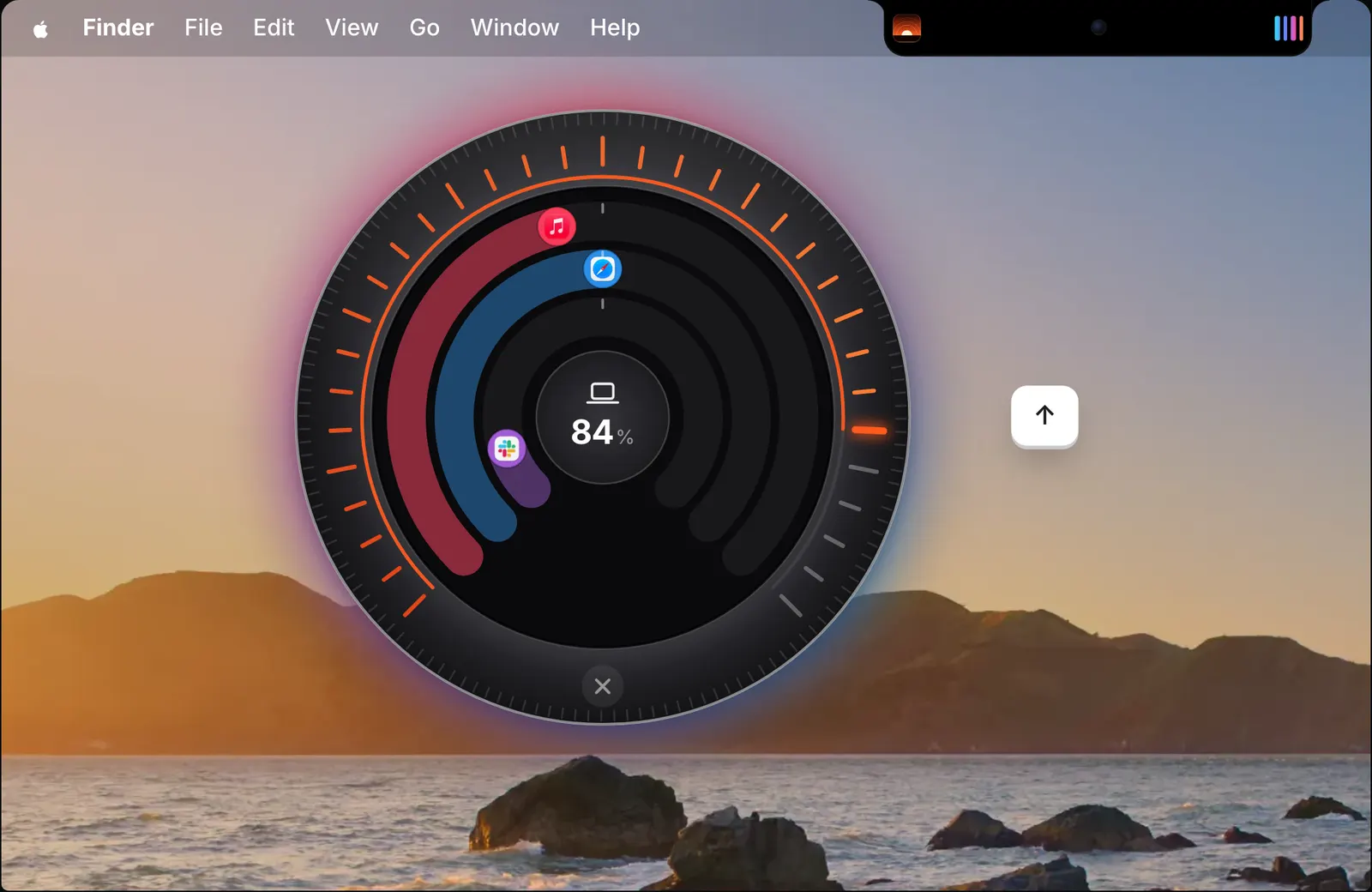
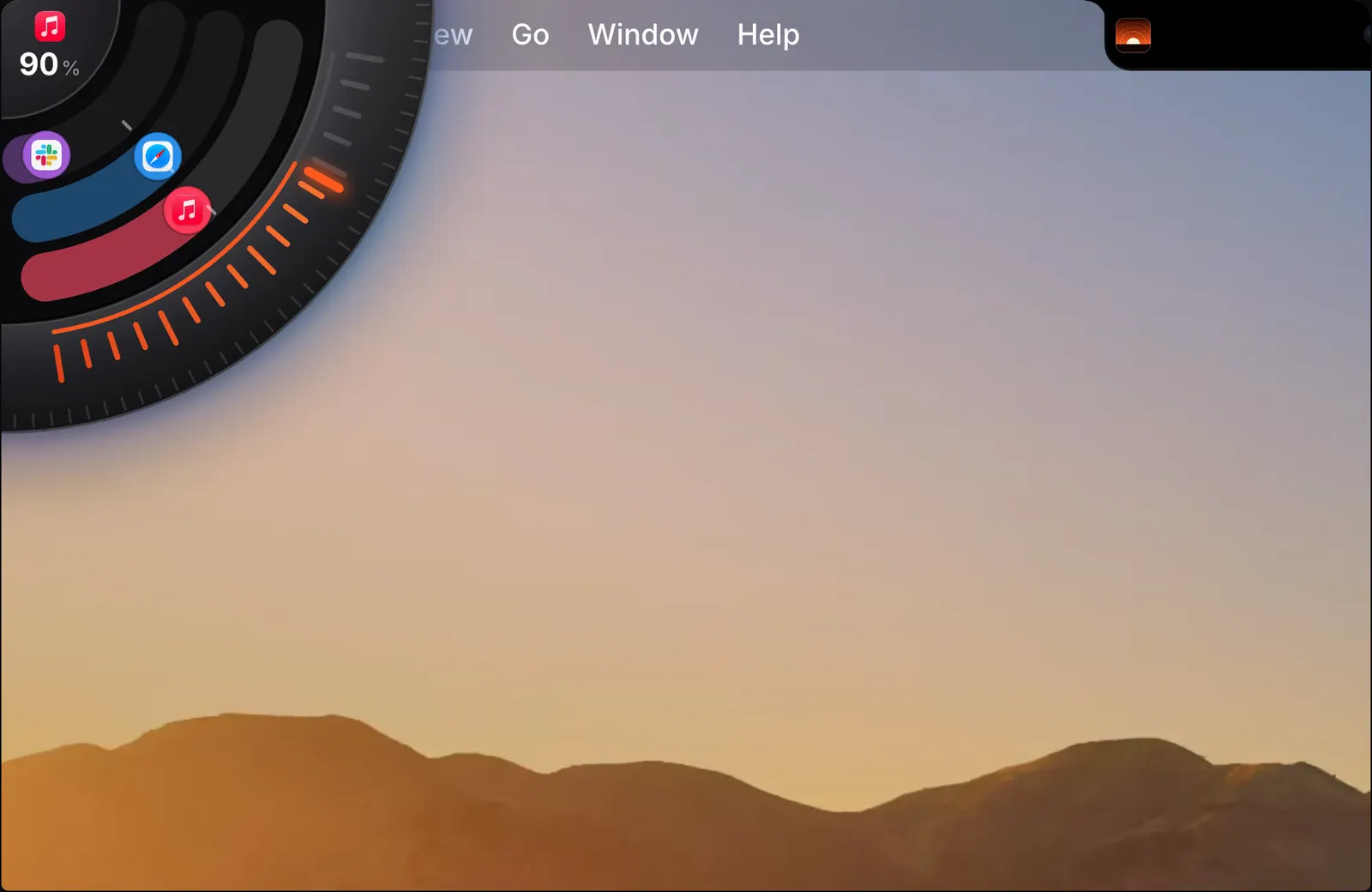
The dial lives in one corner of the screen. Push the pointer into that corner and a quarter of a knob comes out. Move the pointer away and it goes back in. Nothing stays on screen unless you want it to.
It works with any mouse. You do not need a trackpad, and the dial asks for no extra permission. It also keeps clear of a corner that macOS already uses as a hot corner.
It is made for the moment when you want to change the volume and nothing else. There is no window to open and no menu to find, and the scroll wheel does the turning.
The rim, the rings and the hub
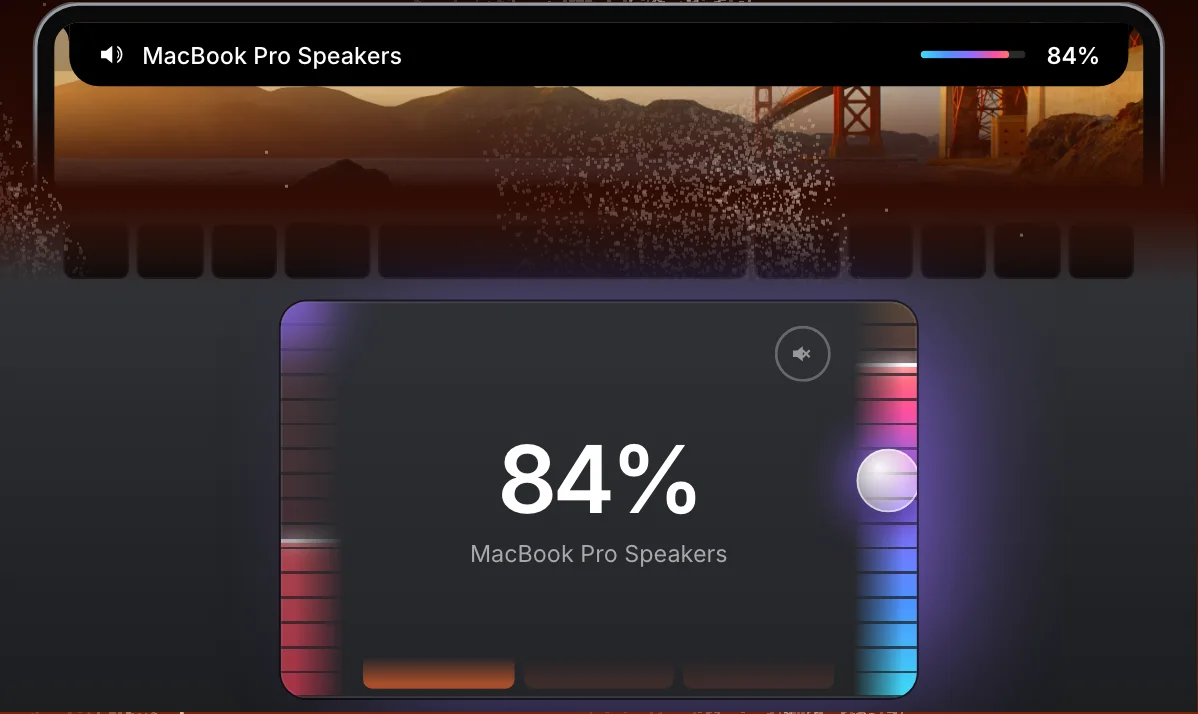
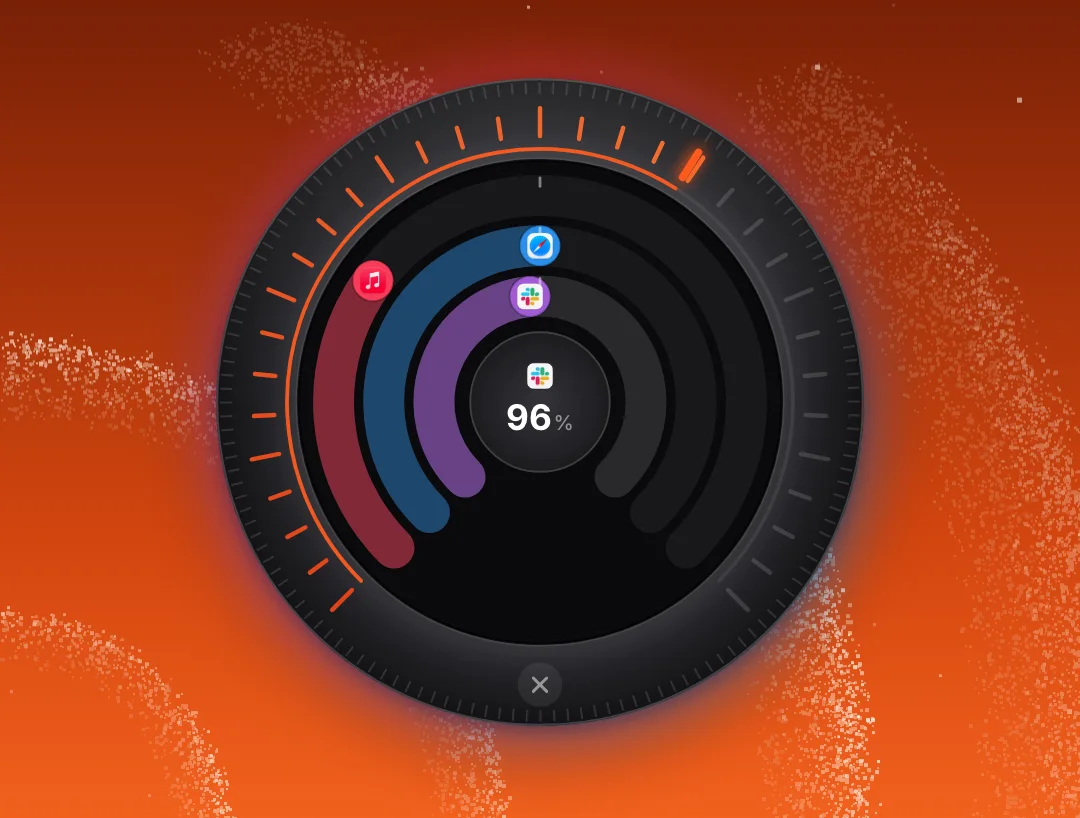
The dial has three parts, and the scroll wheel turns whichever one the pointer is over. The rim on the outside is the Mac’s volume: scroll over its scale, or drag along it.
Inside the rim, each ring is an app that is playing, up to three of them. The app’s icon sits on its ring at the app’s level. Turn the ring to change that app, or click the icon to mute it.
The hub in the middle shows a level as a figure: the Mac’s, or that of the app under the pointer. Click the hub to mute the Mac. The dial glows in the colours of what is playing, brighter the louder it is.
Pull it out to keep it on screen
Take the dial by its hub and drag it out of the corner. It becomes the whole knob and stays where you put it, on every Space, until you close it. The whole knob shows the full scale round its rim and has a close button at the bottom.
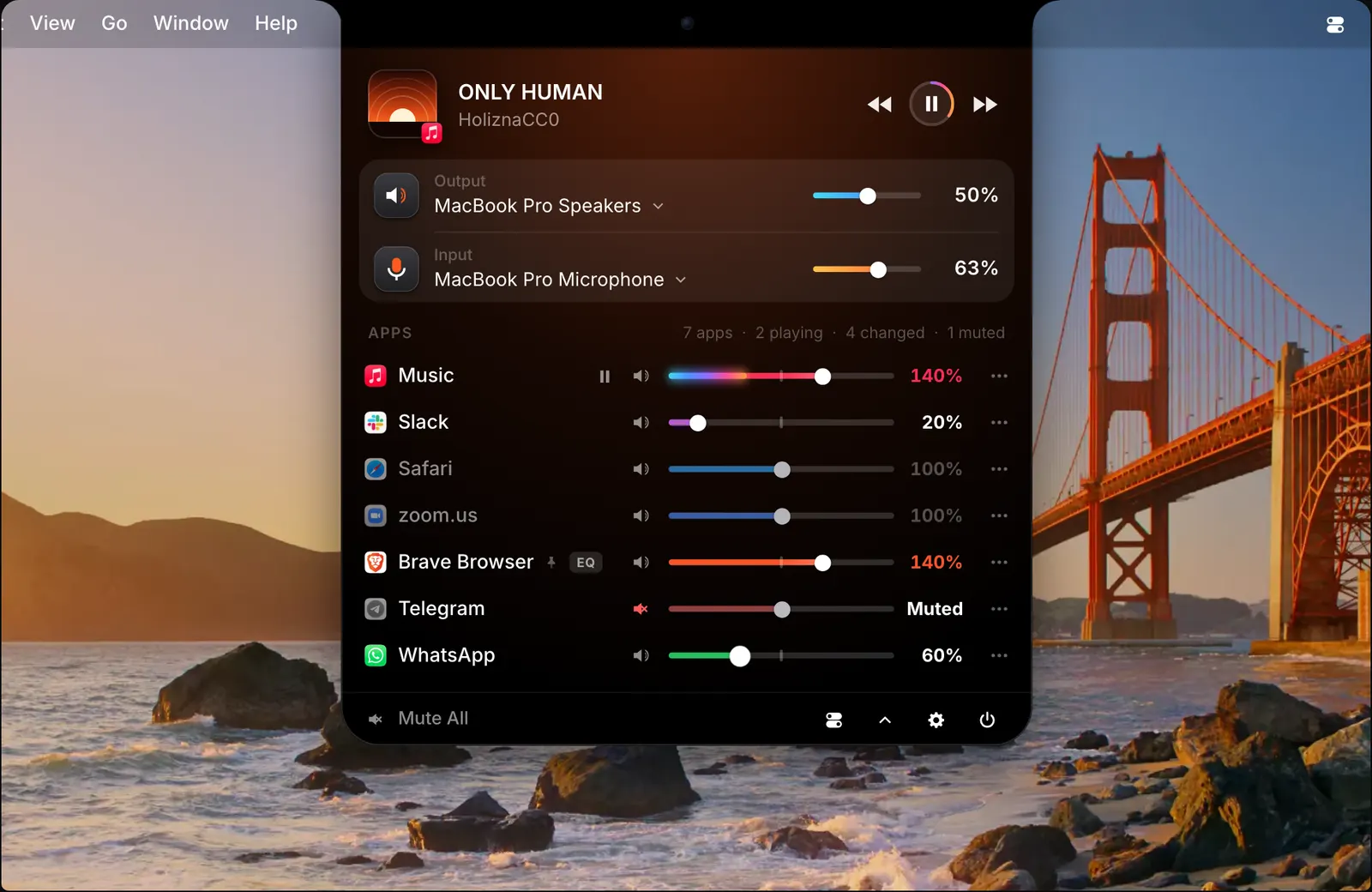
This suits the times when you are adjusting several apps for a while, such as a call with music on.
Keep it in any corner
To move the dial to another corner, let go of it over that corner. It stays there from then on, so you can keep it away from the corner you use for something else.

From the keyboard
With the pointer on the dial, or after pressing ⌃⌥D, the keyboard controls it. The up and down arrows set the level, left and right choose a ring, and Space mutes it.
So the dial can be used with no pointer at all: press the shortcut, tap the arrows, and press Space to mute.
How to use it
- 1
Push the pointer into the corner
A quarter of the dial comes out.
- 2
Scroll or drag
Over the rim for the Mac’s volume, over a ring for that app.
- 3
Click to mute
The hub mutes the Mac. An app’s icon mutes that app.
- 4
Move away
The dial goes back into its corner.
The details
- Rim
- The Mac’s volume
- Rings
- One for each app that is playing, up to three
- Hub
- Shows the level. Click it to mute the Mac
- Keyboard
- ⌃⌥D, then the arrow keys and Space
- Works with
- Any mouse. No trackpad needed
- Permission
- No extra permission
Questions
Does the dial work with an ordinary mouse?
Yes. It works with any mouse, with no trackpad and no extra permission. Scroll to turn it, drag to turn it by hand, and click to mute.
Can I keep the dial on screen?
Yes. Drag it out by its hub. It becomes the whole knob and stays where you put it, on every Space, until you close it.
Will it get in the way of my hot corners?
No. The dial stays away from a corner that macOS uses as a hot corner. You can also move it: let go of it over any corner and it stays there.
Can the dial change one app instead of the whole Mac?
Yes. Each ring is an app that is playing, up to three. Turn a ring to change that app, or click its icon to mute it.
The same feature on the app's own site: soundbarmac.com/