The command palette
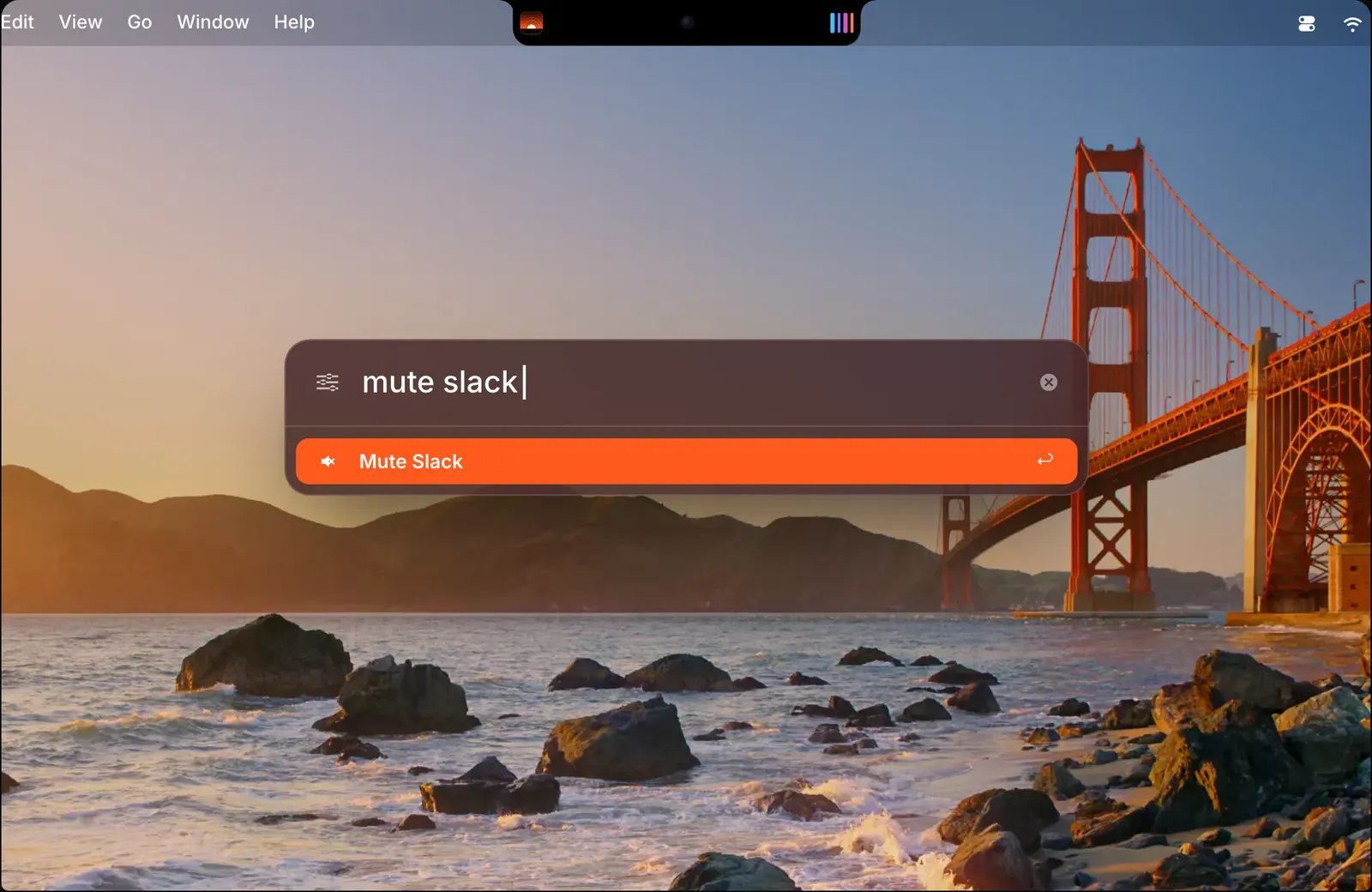
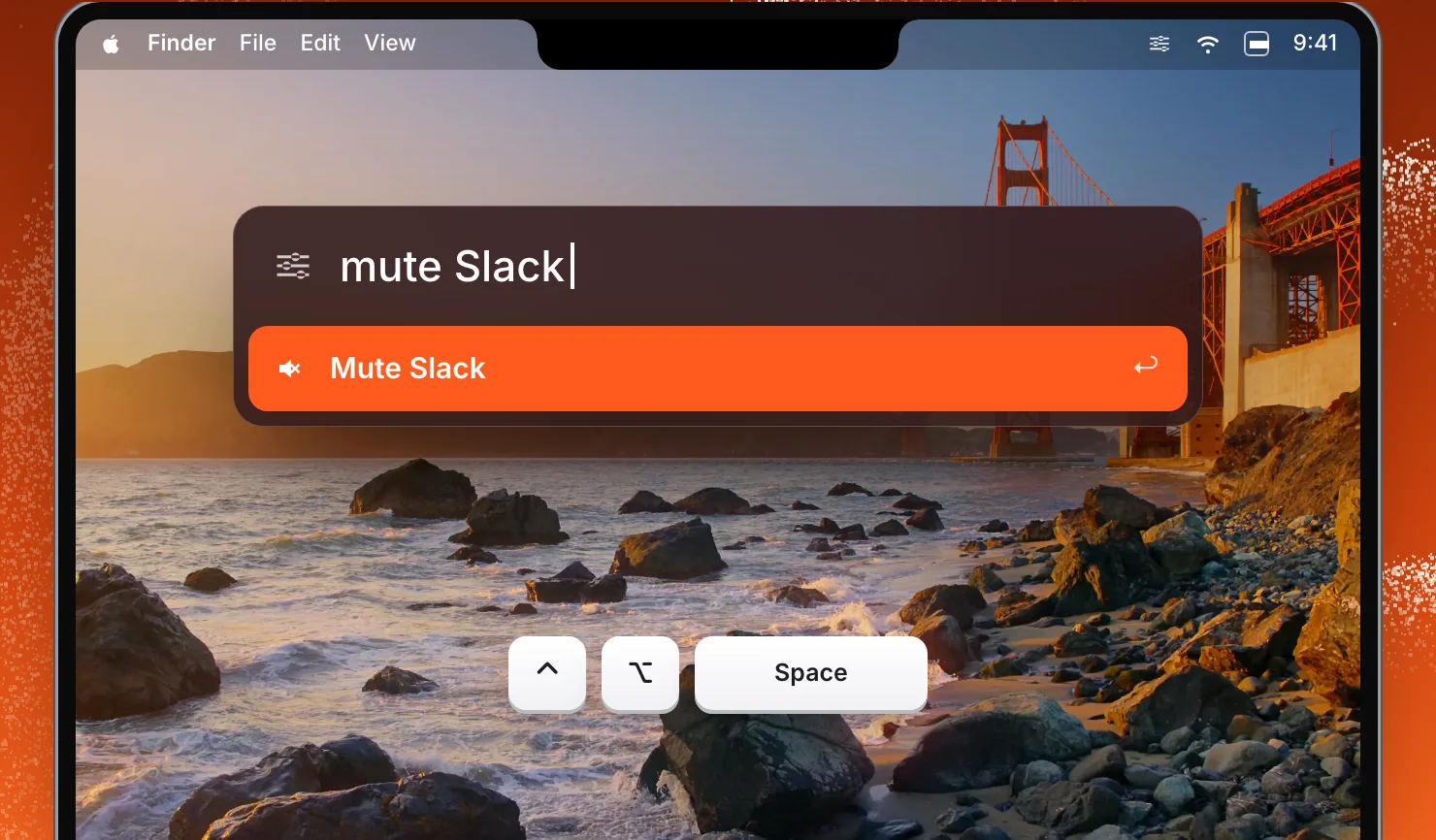
Press ⌃⌥Space in any app and a small field opens over what you are doing. Type a command in plain words and SoundBar shows what it will do. Press Return and it is done, and the notch confirms the change. The palette goes away as soon as the command has run.
The palette is for the changes you can say faster than you can do: one app and one number. You do not open the mixer, find the row and drag. A few things you can type:
- “mute Slack” mutes Slack
- “Spotify 40” sets Spotify to 40%
- “Music through AirPods” sends Music to your AirPods
- “Late night” switches to the profile with that name
Global shortcuts
Some things are worth a key of their own. These work without opening SoundBar, whatever app is in front, and there is a global shortcut to open the mixer as well.
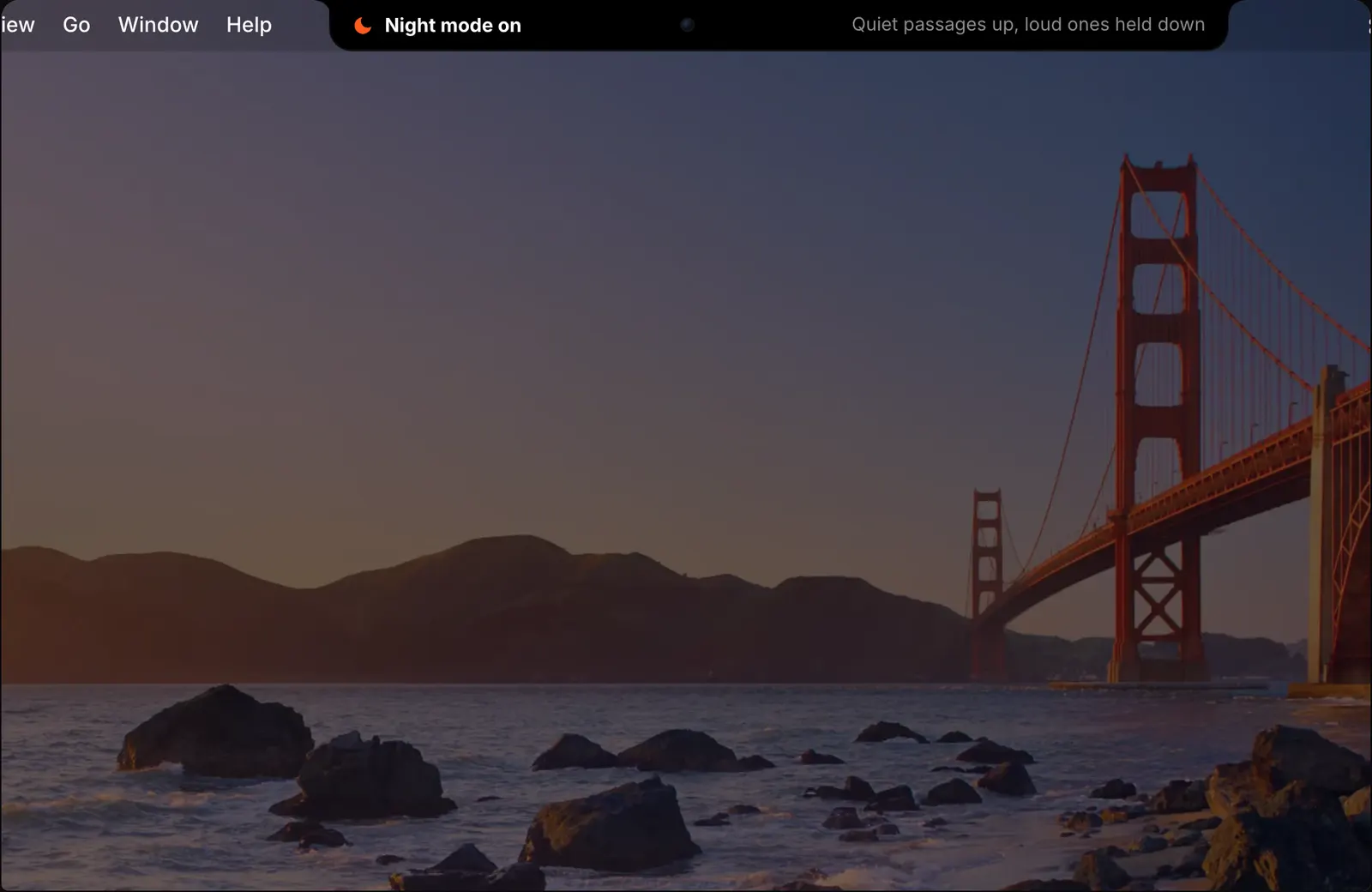
The notch confirms each one in a line, for example Microphone muted or Night mode on.
- ⌃⌥M mutes all apps
- ⌃⌥I mutes or unmutes the microphone
- ⌃⌥N turns night mode on
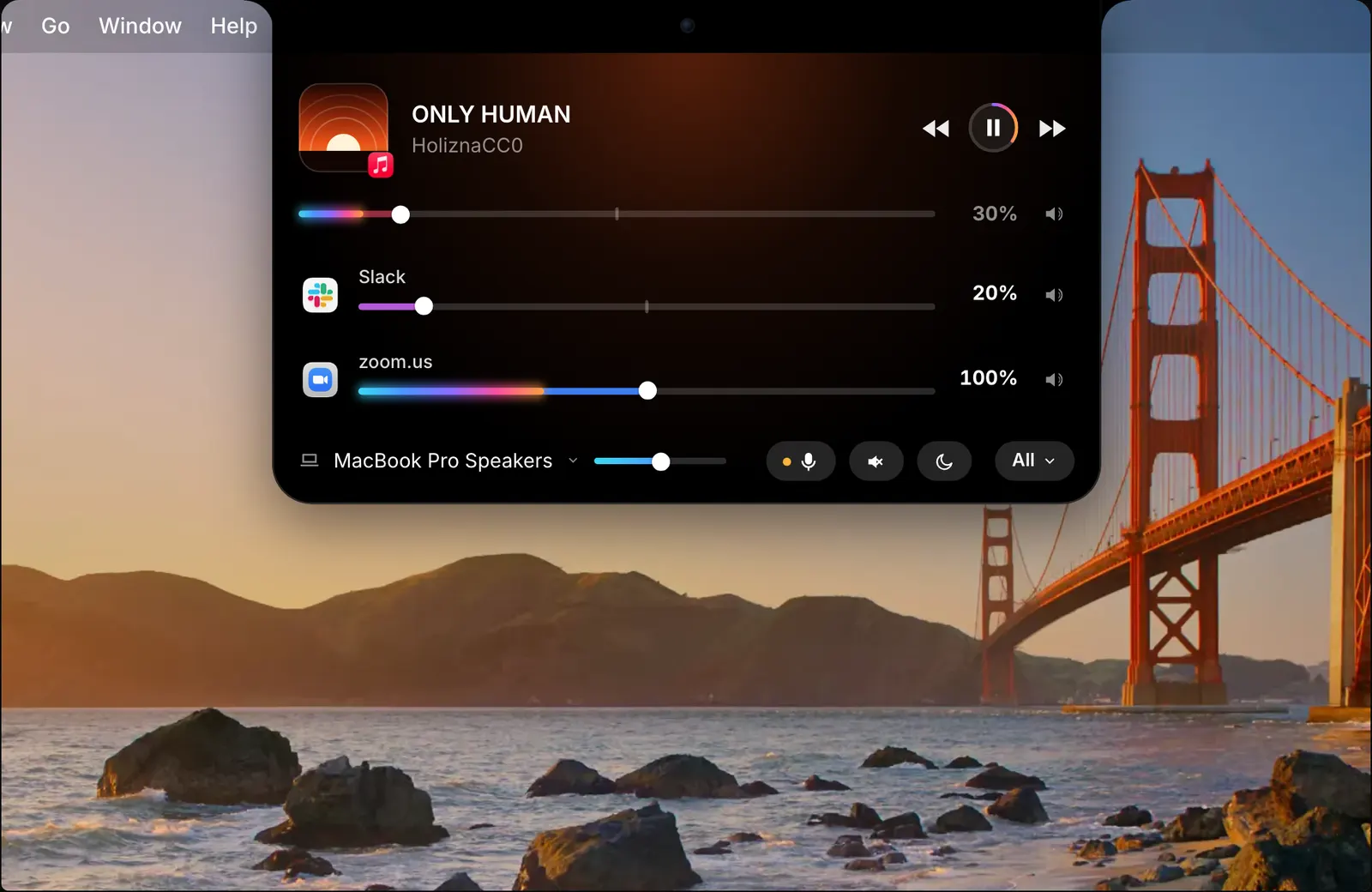
- ⌃⌥D gives the corner dial to the arrow keys and Space
- ⌃⌥Space opens the command palette
Shortcuts actions and scripts
SoundBar adds nine actions to the Shortcuts app, including Set App Volume, Mute App and Set Output Device. All apps can be muted from an action too. Use them in shortcuts of your own.
Actions make SoundBar part of a routine. A shortcut that starts your working day can set the volume of each app and choose the output in one go.
For scripts there is a soundbar:// URL scheme: a script or another app opens a link that starts with soundbar:// to give SoundBar a command.
A MIDI knob for an app
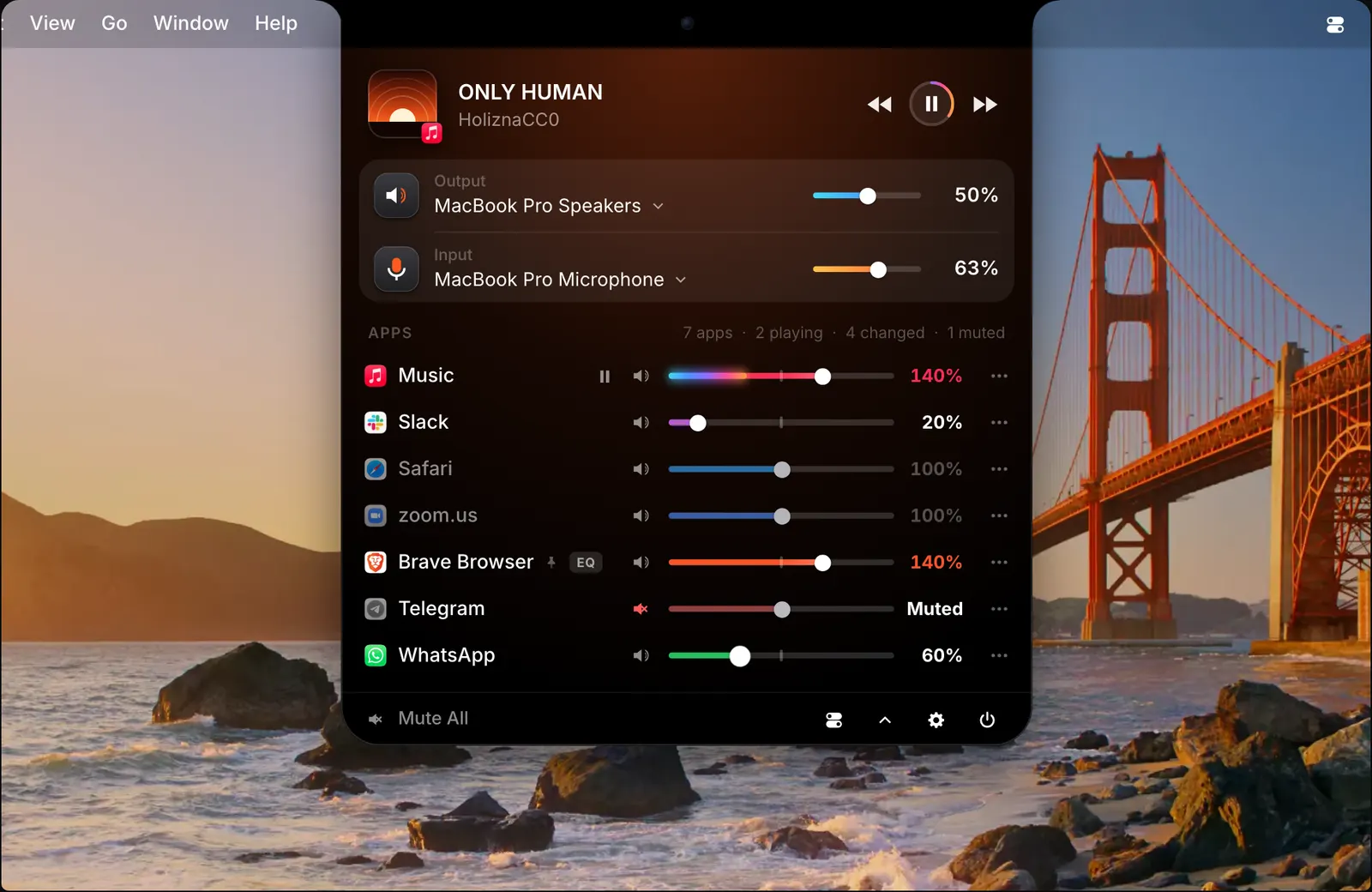
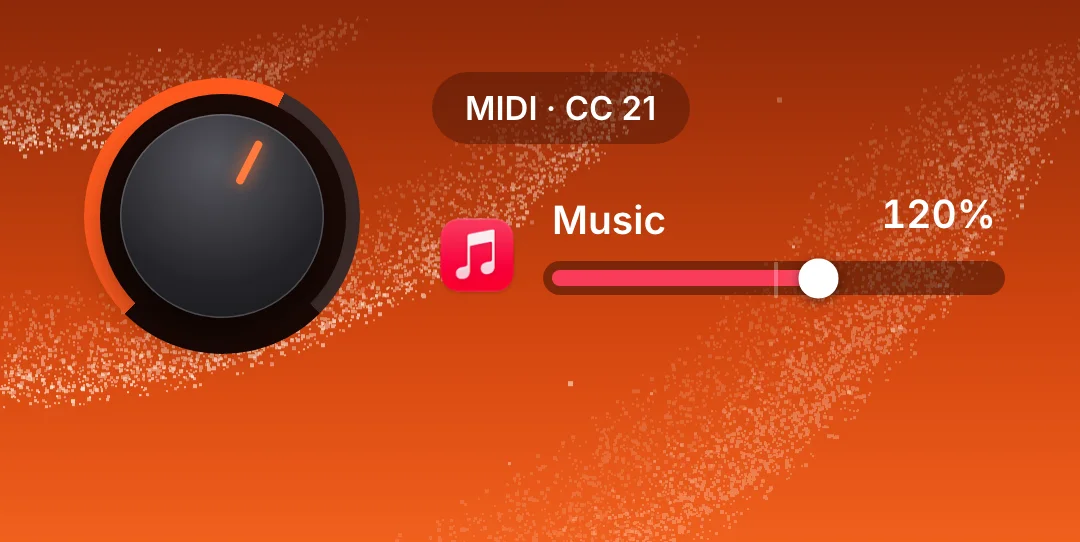
If you have a MIDI controller, an app can have a physical control. Click Learn, turn a knob or move a fader on the controller, and it is assigned to that app’s volume. In the picture, a knob on MIDI CC 21 is turning Music’s volume.
It suits people who already have a controller on the desk and want a real knob for the apps they adjust most.
Profiles
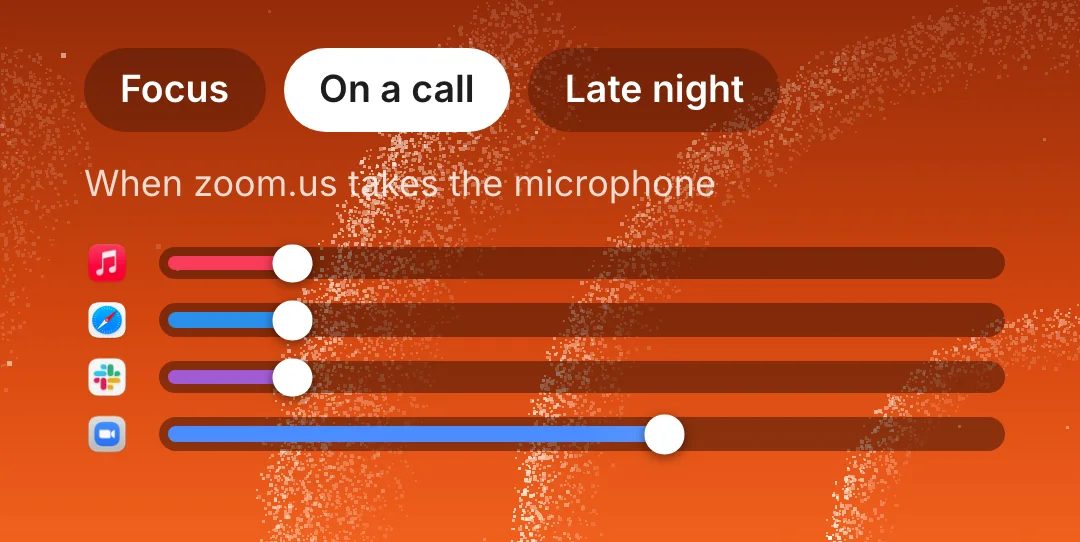
A profile is a saved set of every volume and setting. Apply one with a click, or type its name in the command palette. A profile can also be applied for you: when a device connects, while an app is open, or at a set time.
SoundBar’s own examples are a Focus profile while Xcode is open and a Late night profile every day at 11 pm.
How to use it
- 1
Press ⌃⌥Space
In any app. The palette opens.
- 2
Type what you want
For example “mute Slack” or “Spotify 40”.
- 3
Press Return
The notch confirms the change.
The details
- Command palette
- ⌃⌥Space
- Mute all apps
- ⌃⌥M
- Mute the microphone
- ⌃⌥I
- Night mode
- ⌃⌥N
- Corner dial
- ⌃⌥D
- Shortcuts app
- Nine actions
- Scripts
- soundbar:// URL scheme
- MIDI
- A knob or fader for an app’s volume
Questions
What can I type in the command palette?
Commands in plain words, such as “mute Slack”, “Spotify 40” or “Music through AirPods”. Press Return and the notch confirms the change.
Does SoundBar work with the Shortcuts app?
Yes. It has nine actions, including Set App Volume, Mute App and Set Output Device.
Can I control an app’s volume with a MIDI controller?
Yes. Click Learn and turn a knob or fader on the controller to assign it to an app’s volume.
Can I control SoundBar from a script?
Yes. SoundBar has a soundbar:// URL scheme for scripts.
Is there a shortcut to mute everything?
Yes. ⌃⌥M mutes all apps. You can also do it with one click in the mixer or with a Shortcuts action.
The same feature on the app's own site: soundbarmac.com/