What night mode does
A film moves between quiet dialogue and loud scenes. Late at night that means turning the volume up to hear the talking and down again when the action starts. Night mode puts a leveller and a compressor on every app. Quiet passages come up and loud ones are held down, so the two stay closer together. You set the volume once, at a level where you can follow the dialogue, and leave it there.
It works on every app, not on one. Music, a browser tab and a video player are all evened out while it is on. It is meant for the hours when you want to keep the sound low and still hear everything.
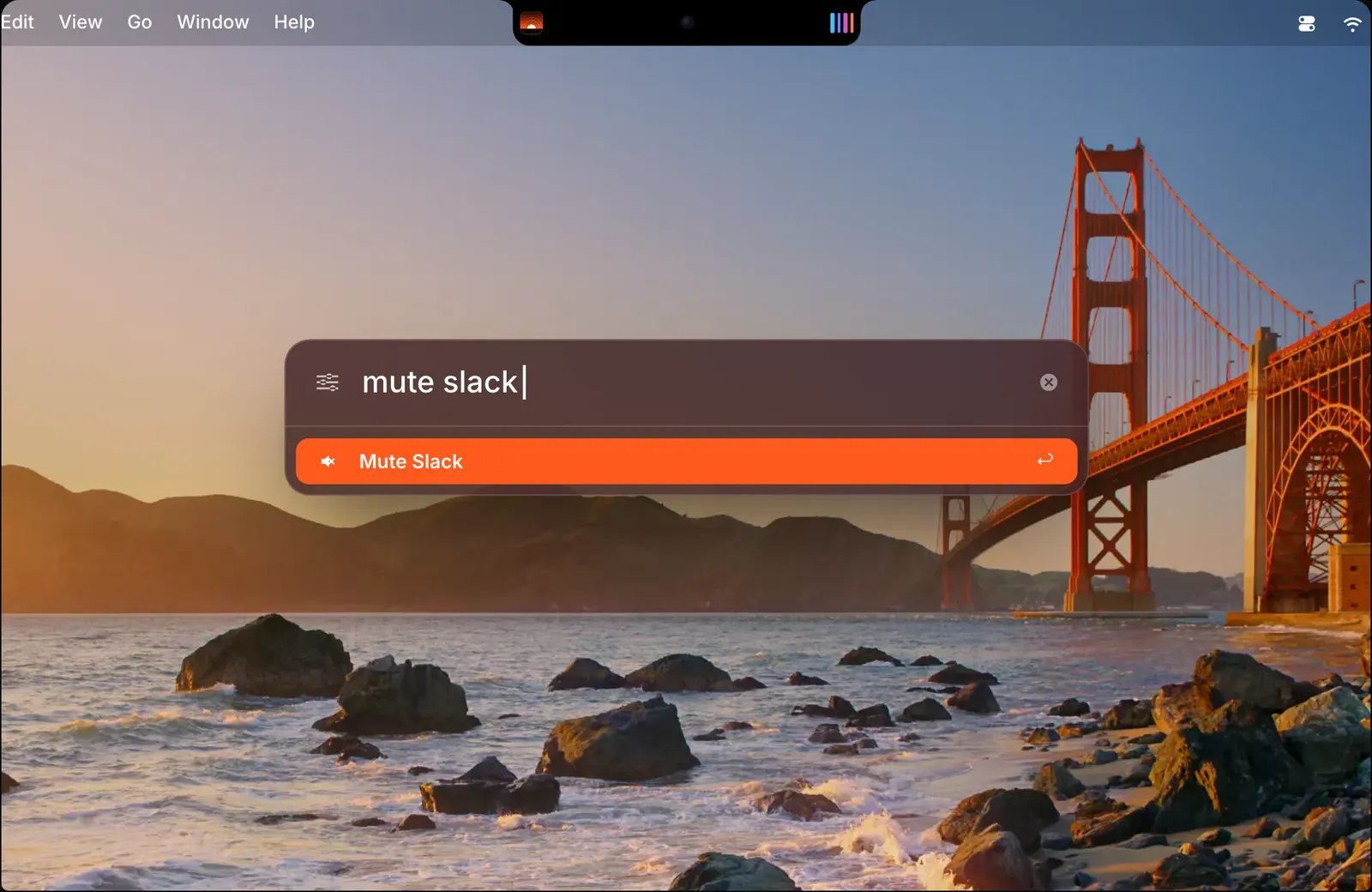
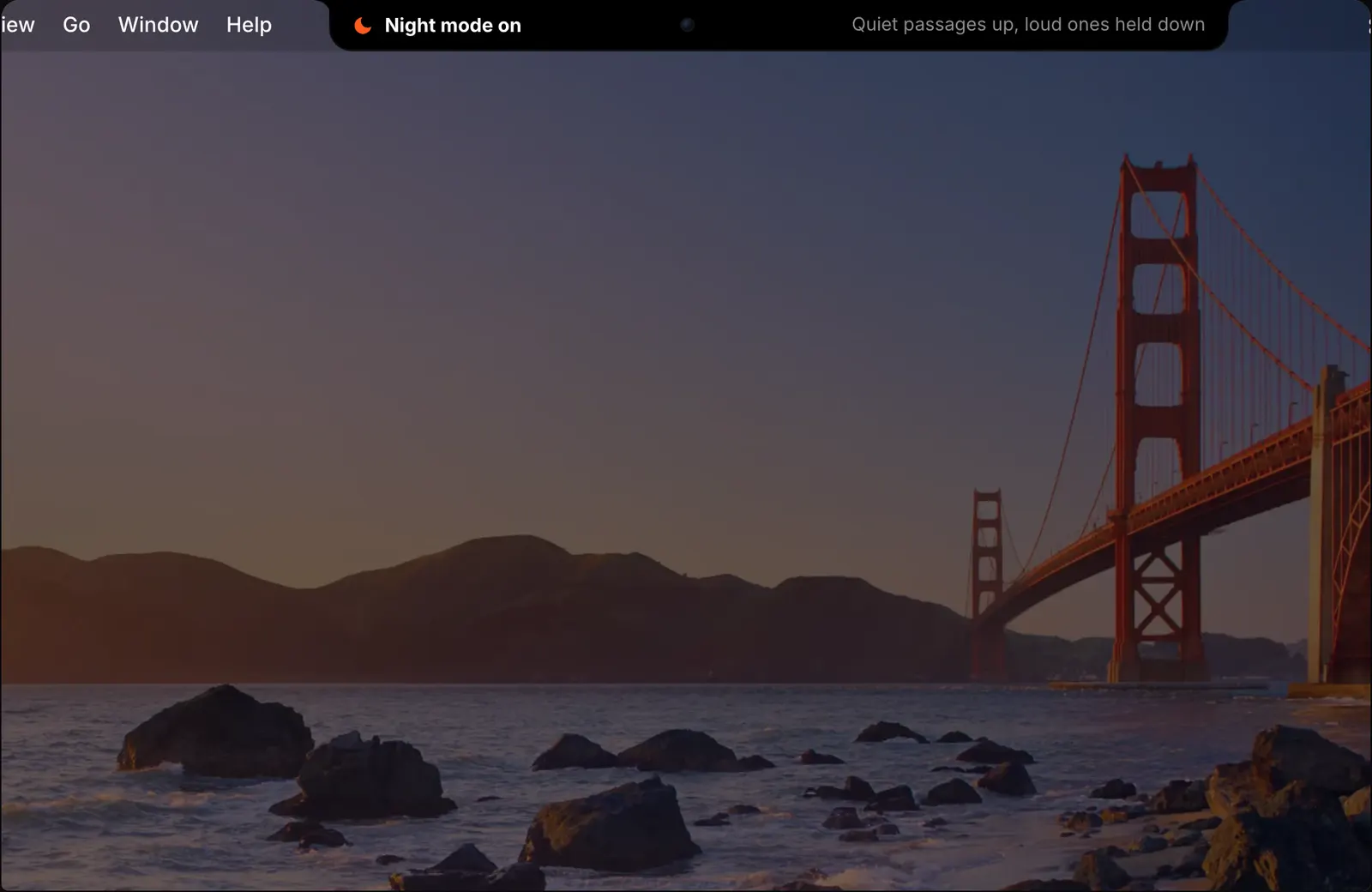
The notch says what it does in one line when you switch it on: quiet passages up, loud ones held down.

Three ways to turn it on
Press ⌃⌥N in any app. The notch confirms that night mode is on.
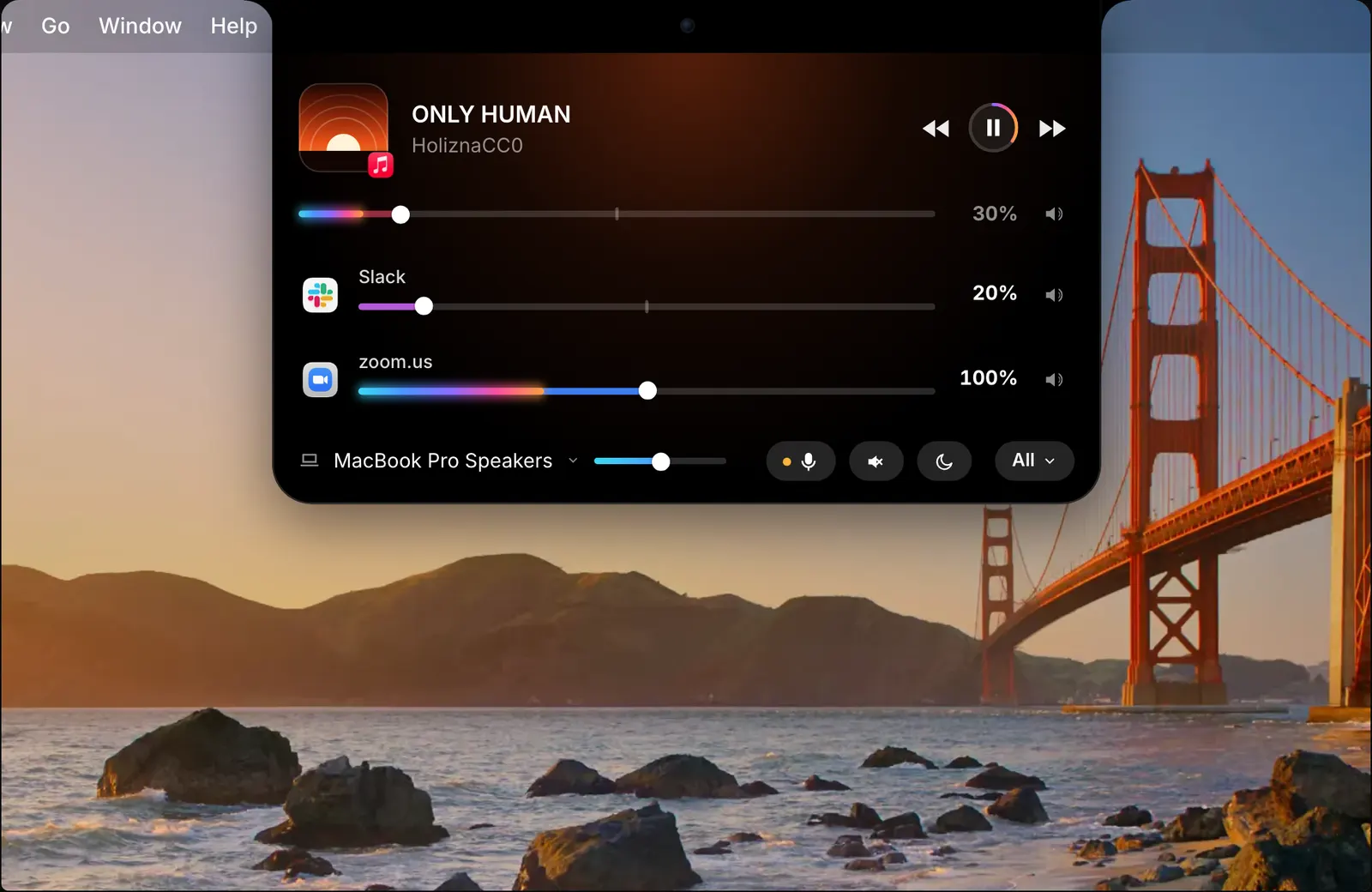
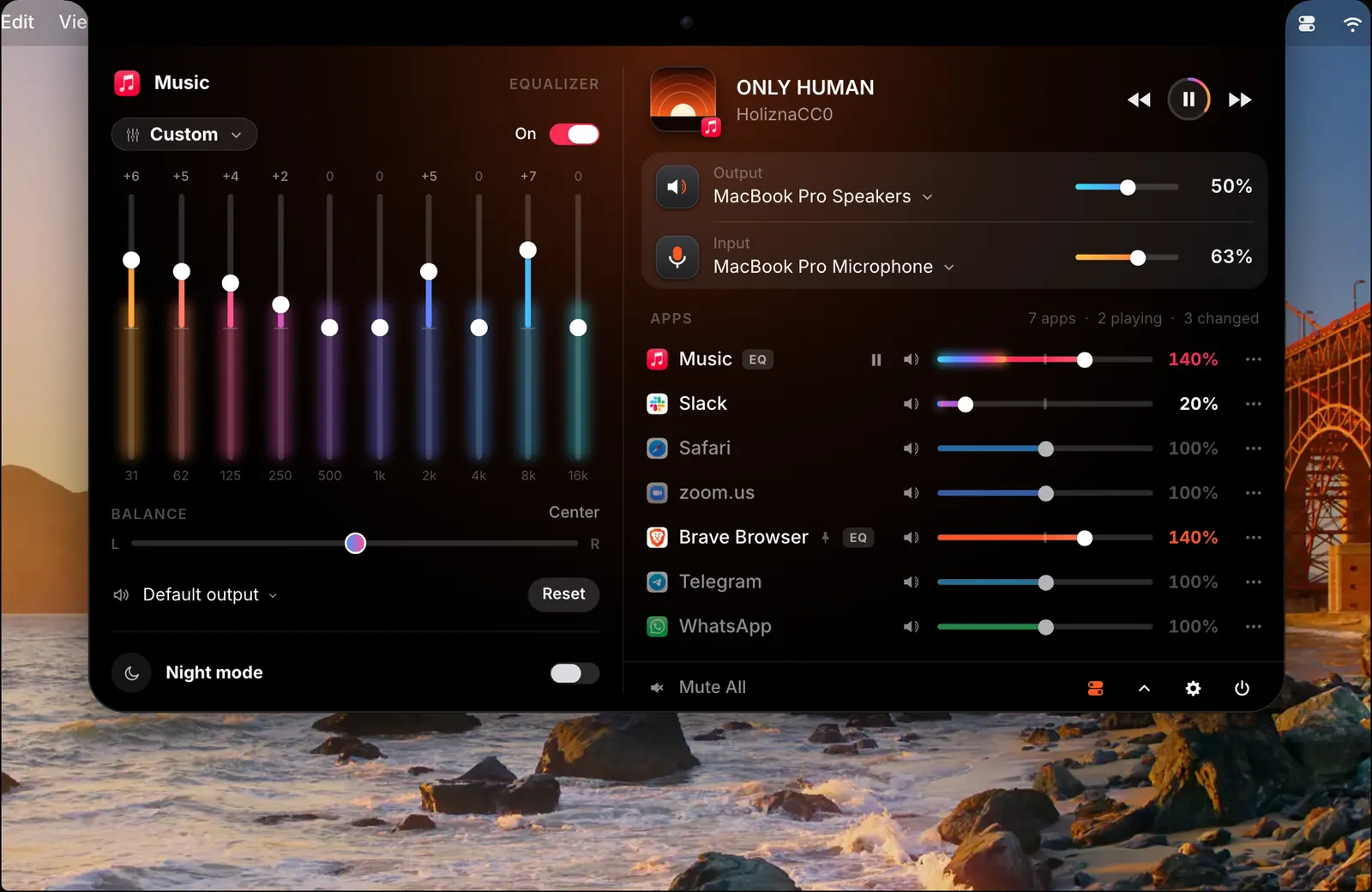
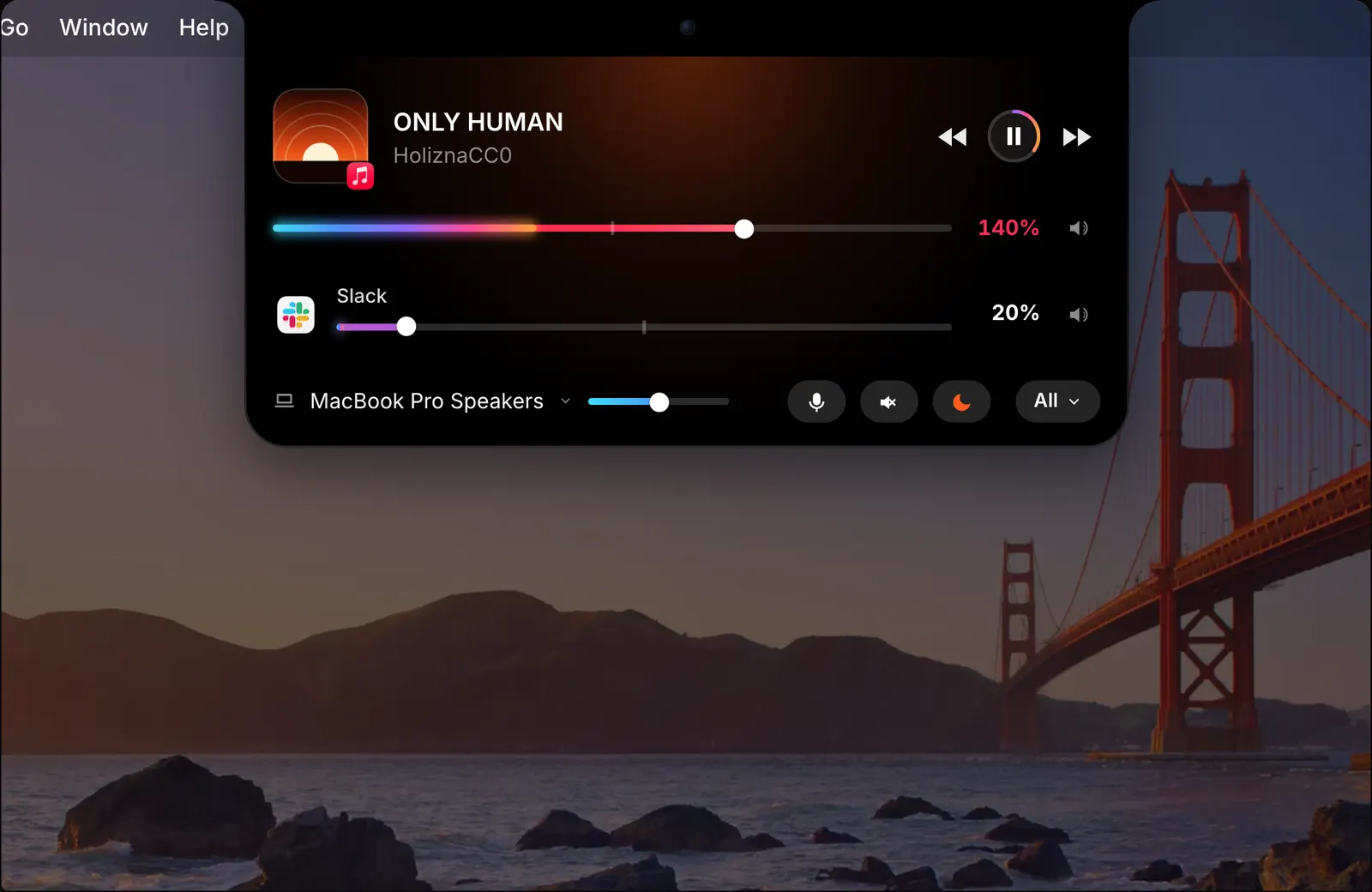
Or click the moon button at the foot of the open notch. It lights up while night mode is on, so you can tell at a glance. The full mixer has a Night mode switch as well.
Or let a profile do it. A profile can be applied at a set time, so night mode can come on by itself in the evening. Since a profile saves all volumes and settings, it can bring your other evening settings with it.
Loudness match: every app at the same loudness
Night mode deals with loud and quiet moments inside what you are playing. Loudness match deals with the difference between apps. It brings every app to the same loudness, so one app is not much louder than another when you switch between them. A quiet video in the browser and a loud song in Music come out at about the same level.

How it fits with the rest
Each app still has its own slider and equalizer while night mode is on, so you can turn one app down by hand while everything is being evened out. Among the equalizer presets there is also one called Late Night, which you can put on a single app.
Night mode is part of the same mixer, so the sound is processed on your Mac like everything else. Nothing is recorded or sent anywhere.
The details
- Shortcut
- ⌃⌥N
- Applies to
- Every app
- How
- A leveller and a compressor
- Also from
- The moon button in the notch, or a profile at a set time
- Loudness match
- Brings every app to the same loudness
Questions
What does night mode do?
It puts a leveller and a compressor on every app, which reduces the gap between loud and quiet sound.
How do I turn night mode on?
Press ⌃⌥N, click the moon in the notch, or use a profile that turns it on at a set time.
Can night mode turn on by itself?
Yes. Night mode can be turned on from a profile at a set time.
What is the difference between night mode and loudness match?
Night mode evens out loud and quiet moments. Loudness match brings every app to the same loudness, so one app is not much louder than another.
The same feature on the app's own site: soundbarmac.com/