Ten bands for the app you select
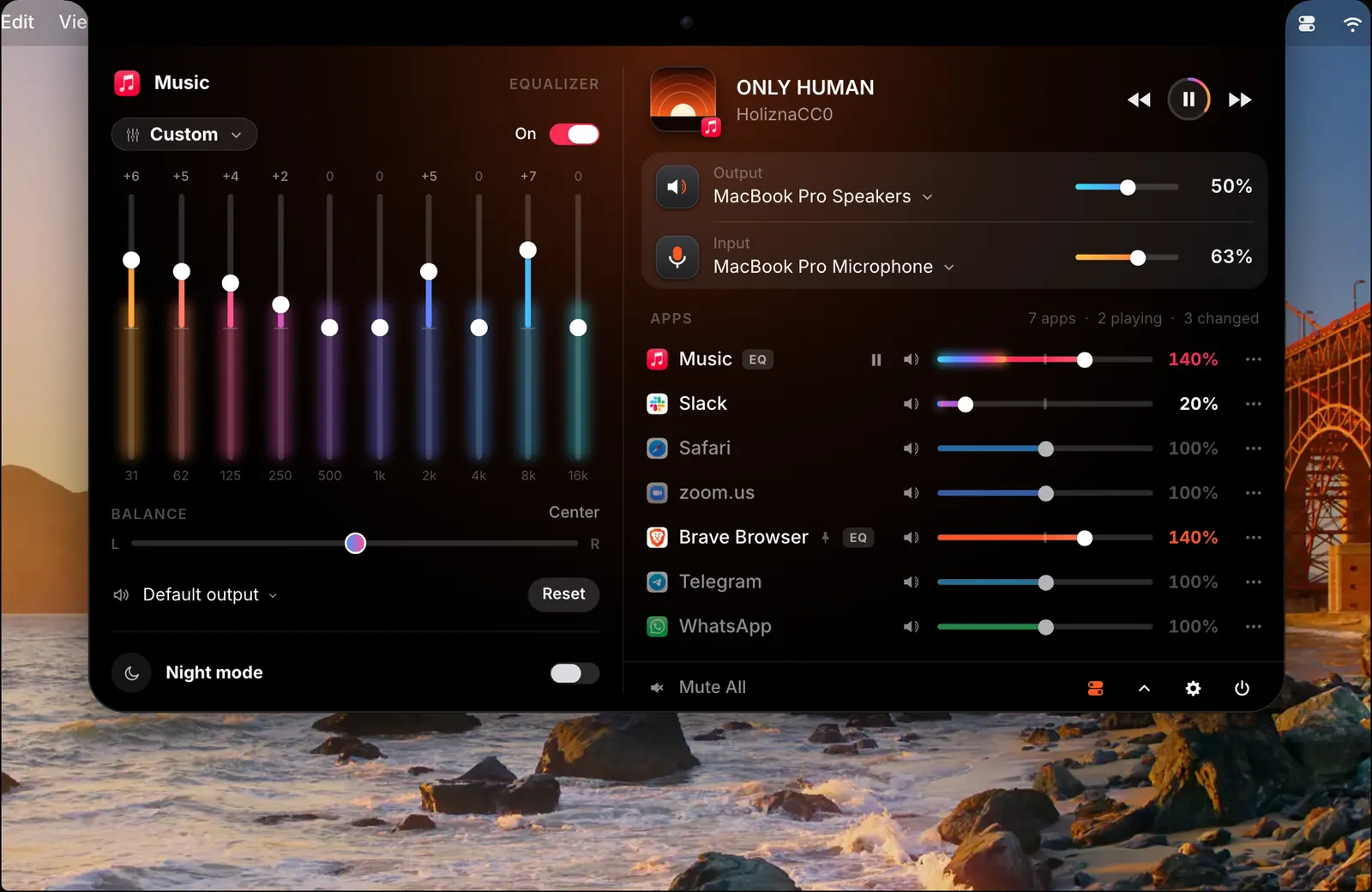
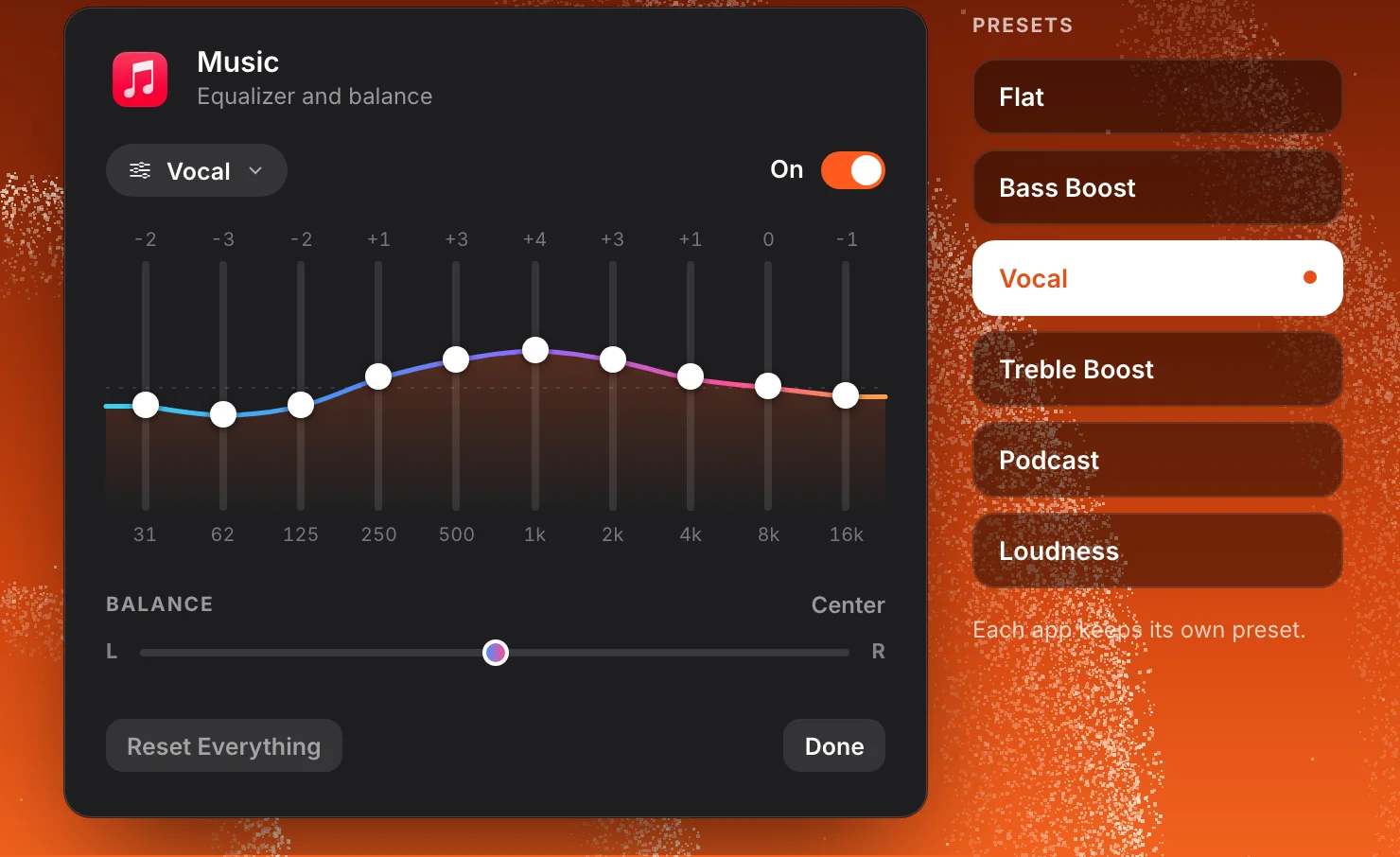
Click All in the mixer, then turn on the equalizer with the switch at the foot of the list. It opens beside the apps and works on whichever app you select. The ten bands are labelled 31, 62, 125, 250, 500, 1k, 2k, 4k, 8k and 16k, from the lowest bass to the highest treble.
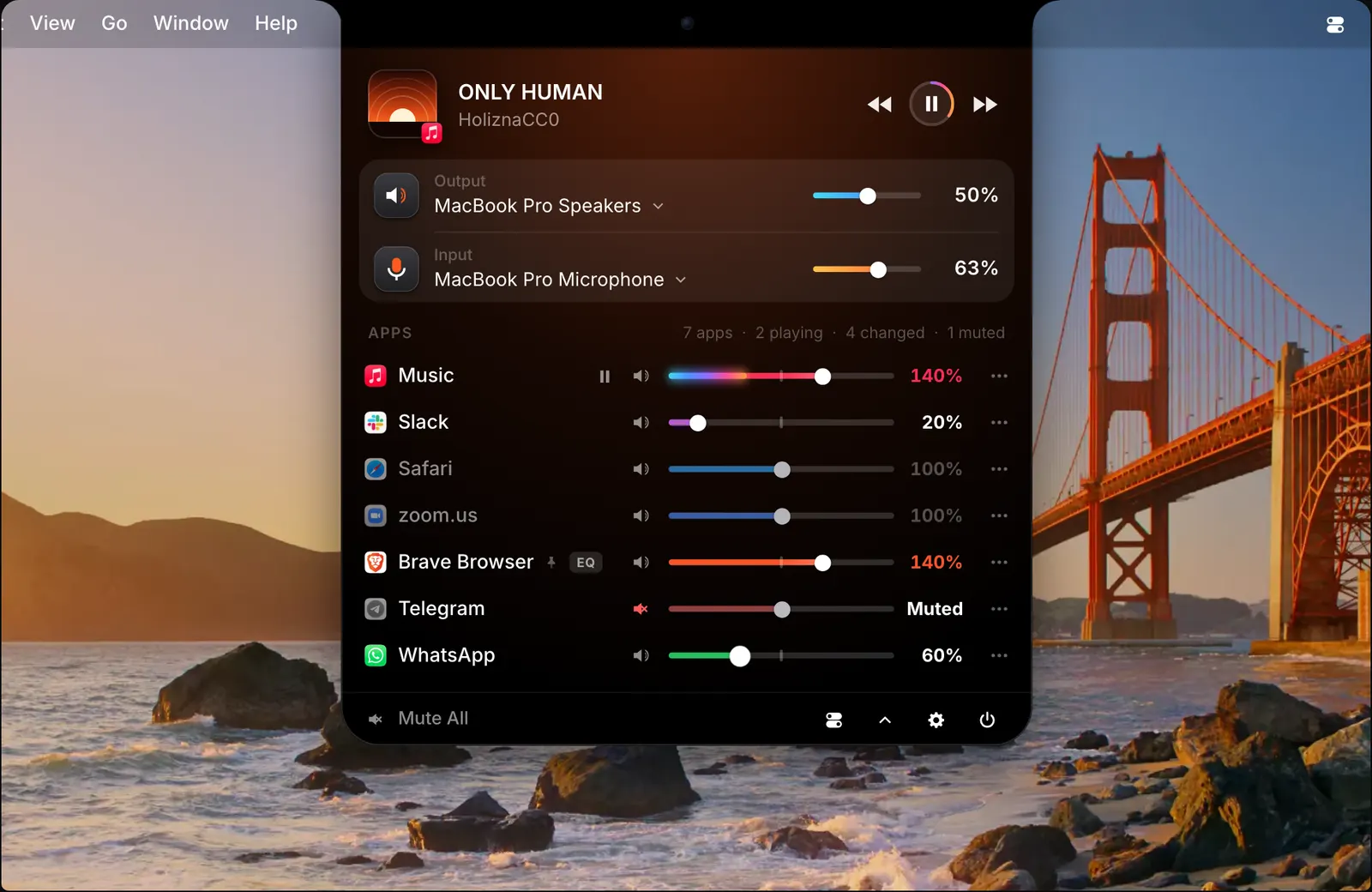
Drag a band up to raise that part of the sound, or down to lower it. The figure above each band shows how far it has moved. An app with its equalizer on carries a small EQ tag in the list, so you can see which apps you have shaped.
The low bands on the left carry the bass, the middle ones carry voices, and the ones on the right carry the brightest part of the sound. Because the equalizer belongs to one app, you can fix the app that needs it and leave the others as they are.
Start from a preset
You do not have to set ten bands by hand. SoundBar comes with 11 presets, among them Bass Boost, Treble Boost, Vocal, Podcast, Acoustic, Electronic, Loudness and Late Night. Choose one and the bands move to its shape. From there, adjust any band until it sounds right.
Bass Boost lifts the four lowest bands and leaves the rest flat. Vocal and Podcast lift the middle bands, where voices sit, and Podcast also trims the lowest and the highest. Flat puts every band back to zero.
Each app keeps its own preset. Bass Boost on Music does nothing to a call in Zoom.
Balance, mono and swapped channels
Under the bands is a balance slider that moves an app’s sound towards the left or the right. For each app you can also fold the sound to mono, or swap the left and right channels.
These are set per app too. One app can be in mono while every other app stays in stereo.
Off and on without losing your settings
A switch turns an app’s equalizer off and on again without losing what you set. That makes it easy to compare the sound with and without it. A Reset button is there when you want to start over.
Headphone correction for all sound
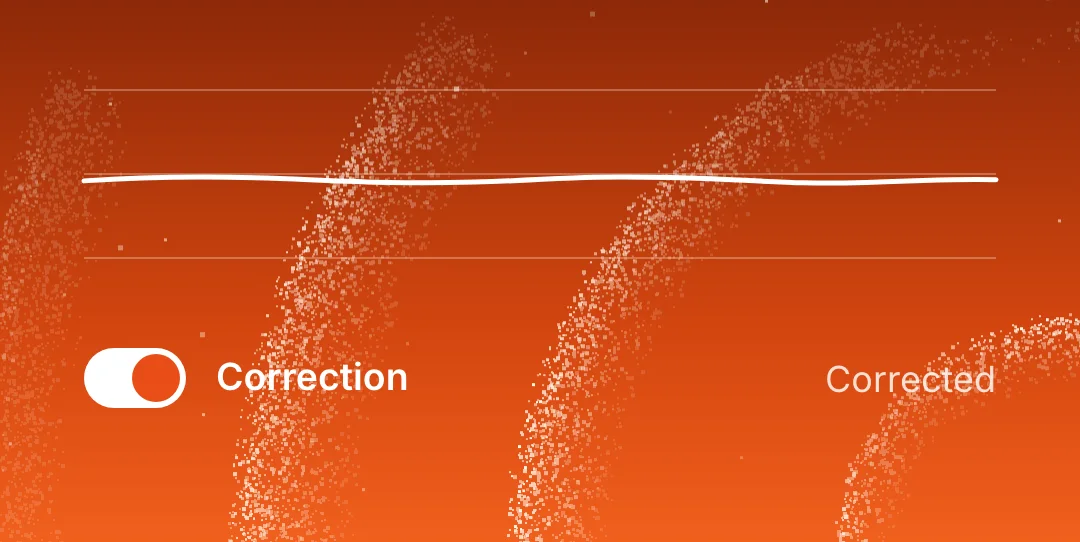
Separate from the per-app equalizers, SoundBar can correct your headphones. Import an AutoEQ curve for the pair you own and switch correction on. Unlike an app’s equalizer, the correction applies to all sound from the Mac. It has a switch of its own.
How to use it
- 1
Open the full mixer
Open SoundBar from the notch or the menu bar and click All.
- 2
Turn on the equalizer
Use the switch at the foot of the list. The equalizer opens beside the apps.
- 3
Select an app and pick a preset
Choose one of the 11 presets as a starting point.
- 4
Adjust the bands
Drag any band up or down, and set the balance if you need to.
The details
- Bands
- 10: 31, 62, 125, 250, 500, 1k, 2k, 4k, 8k and 16k
- Presets
- 11, including Bass Boost, Vocal, Podcast and Late Night
- For each app
- Equalizer, balance, mono, swapped channels
- For all sound
- Headphone correction from an AutoEQ curve
- Saved
- With each app, on your Mac
Questions
Does SoundBar have an equalizer?
Yes. Each app has a 10-band equalizer with presets and a left-right balance. You can also import an AutoEQ headphone correction that applies to all sound.
Can I use a different equalizer for each app?
Yes. The equalizer, its preset and the balance belong to one app and are saved with it.
Can I turn the equalizer off without losing my settings?
Yes. Turn an app’s equalizer off and on again and its bands are as you left them.
Is there an equalizer for the whole Mac?
The 10-band equalizer is set per app. Headphone correction, from an AutoEQ curve you import, applies to all sound from the Mac.
The same feature on the app's own site: soundbarmac.com/