What happens when a call starts
SoundBar notices when an app begins using the microphone. That is its sign that a call has started. The other apps fade down, to 30% by default, while the app on the call stays at its own level.
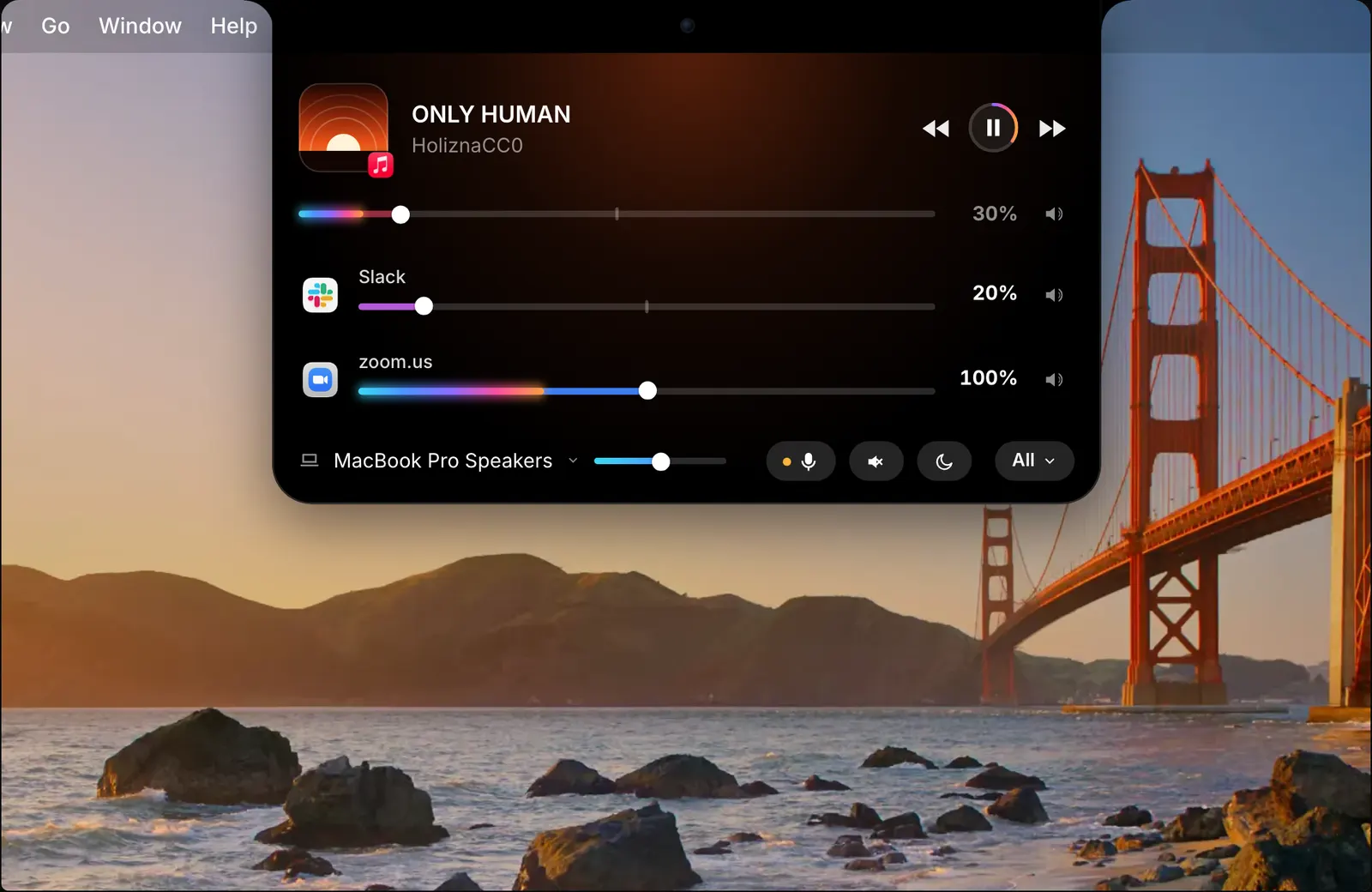
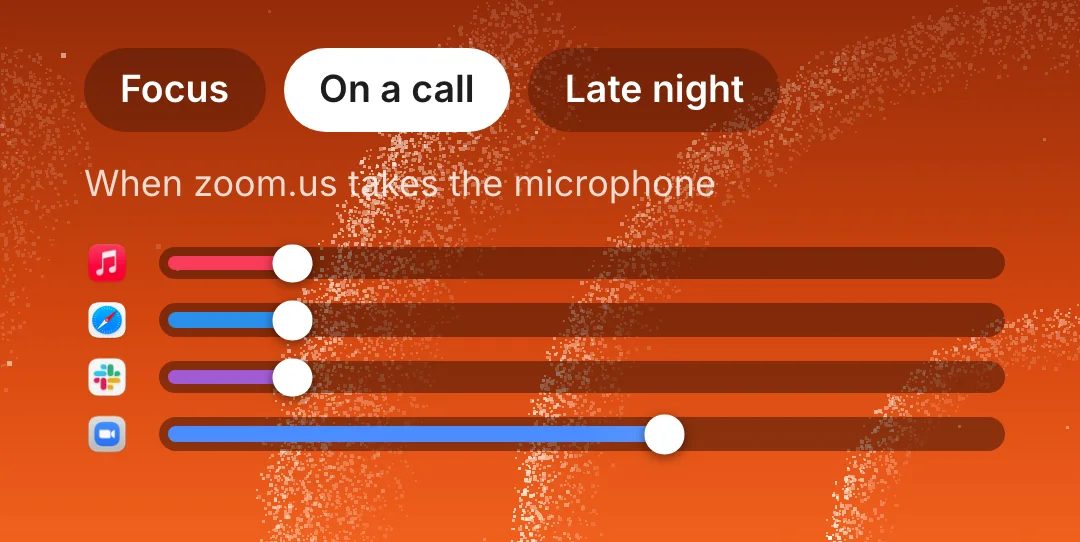
A notice in the notch names the app that has the microphone. In the picture above, Zoom has started a call: Music is held at 30%, zoom.us stays at 100%, and a dot on the microphone button shows that the microphone is in use.
When the call ends, the other apps fade back to the volumes they had before. The music keeps playing quietly under the call, and you do not come back to silence afterwards.

It sees who has the microphone, never the audio
To do this SoundBar needs one fact: which app has the microphone open. It uses that to name the app in the notch, to lower the others, and to list the app in Settings. It never reads the microphone’s audio.
This is also why it does not depend on the calling app. SoundBar does not need to know anything about Zoom, FaceTime or Discord, only that one of them has started using the microphone.
Mute the microphone from any app
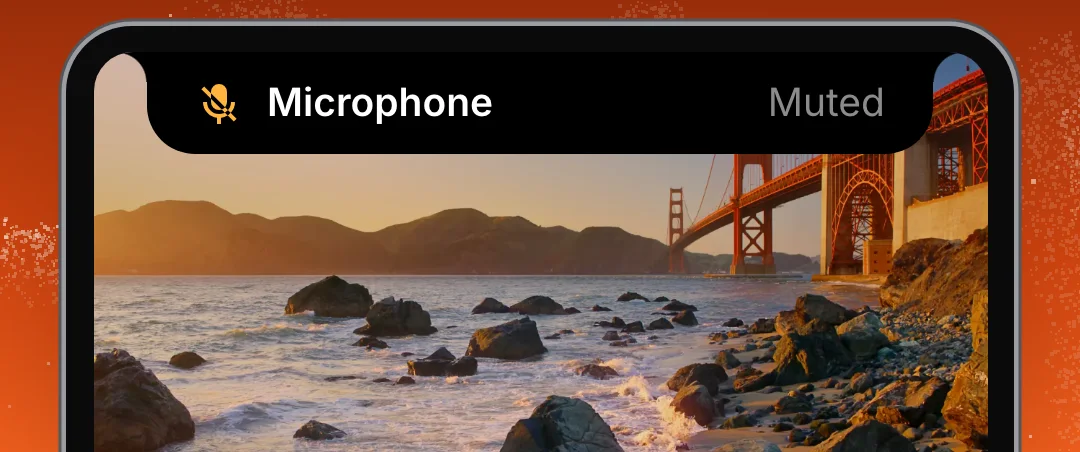
Press ⌃⌥I in any app to mute or unmute the microphone. You do not have to find the mute button in the call’s window first. The notch shows whether the microphone is on or muted, and the open notch has a microphone button as well.
It is the same key in every app, so you do not have to learn where each one keeps its mute button.

Notices and the microphone log
A short notice appears in the notch when an app starts using the microphone, whether the microphone is muted or not.
SoundBar also lists which apps used the microphone, and when, since it launched. The list is held only while SoundBar is running and is gone when it quits. None of it leaves your Mac.
A profile for calls
If you want more than a fade, use a profile. A profile saves all volumes and settings, so one made for calls can put every app where you want it. Apply it with a click, or have it applied while your calling app is open.
The details
- Starts when
- An app begins using the microphone
- Other apps
- Fade down, to 30% by default
- After the call
- They fade back to their levels
- Mute the microphone
- ⌃⌥I, in any app
- Microphone log
- Which apps used it and when, since launch
- Microphone audio
- Never read
Questions
Does SoundBar lower other apps during a call?
Yes. When an app starts using the microphone, the other apps fade down, to 30% by default, and fade back when the call ends.
Which call apps does it work with?
It does not depend on the app. What starts it is an app beginning to use the microphone.
Does SoundBar listen to my calls?
No. It sees which app is using the microphone. It never reads the microphone’s audio, and nothing is recorded or sent anywhere.
How do I mute my microphone quickly?
Press ⌃⌥I in any app. The notch shows whether the microphone is on or muted.
Can I see which apps used the microphone?
Yes. SoundBar lists which apps used the microphone, and when, since it launched.
The same feature on the app's own site: soundbarmac.com/