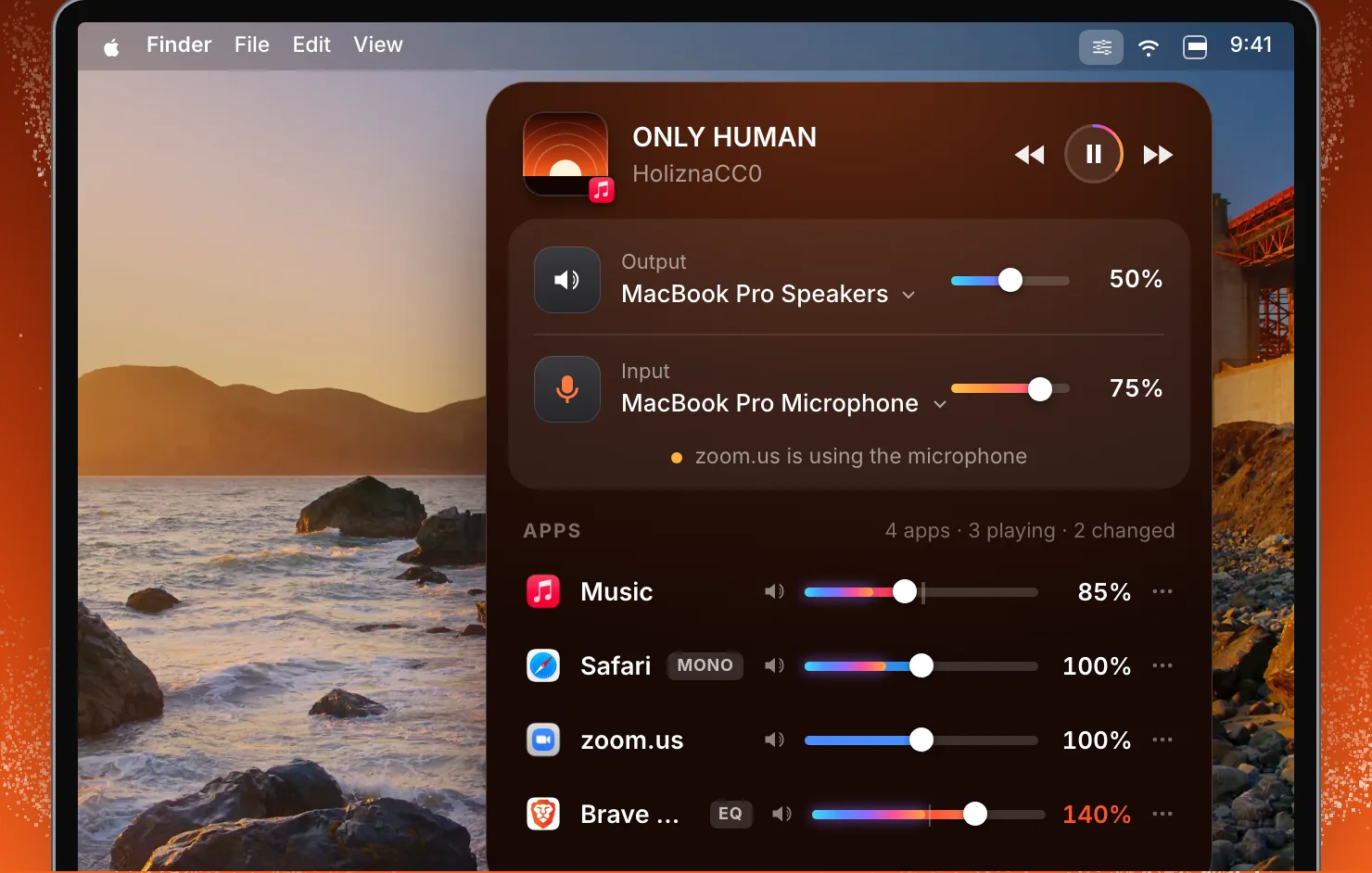
The same mixer in the menu bar
You do not need a notch to use SoundBar. On a Mac without one, or on an external display, SoundBar is an item in the menu bar. Click it and the mixer opens on the song that is playing and the apps that are making sound. Click All for the output, the microphone and every app. That covers desktop Macs, MacBooks without a notch, and any external display.
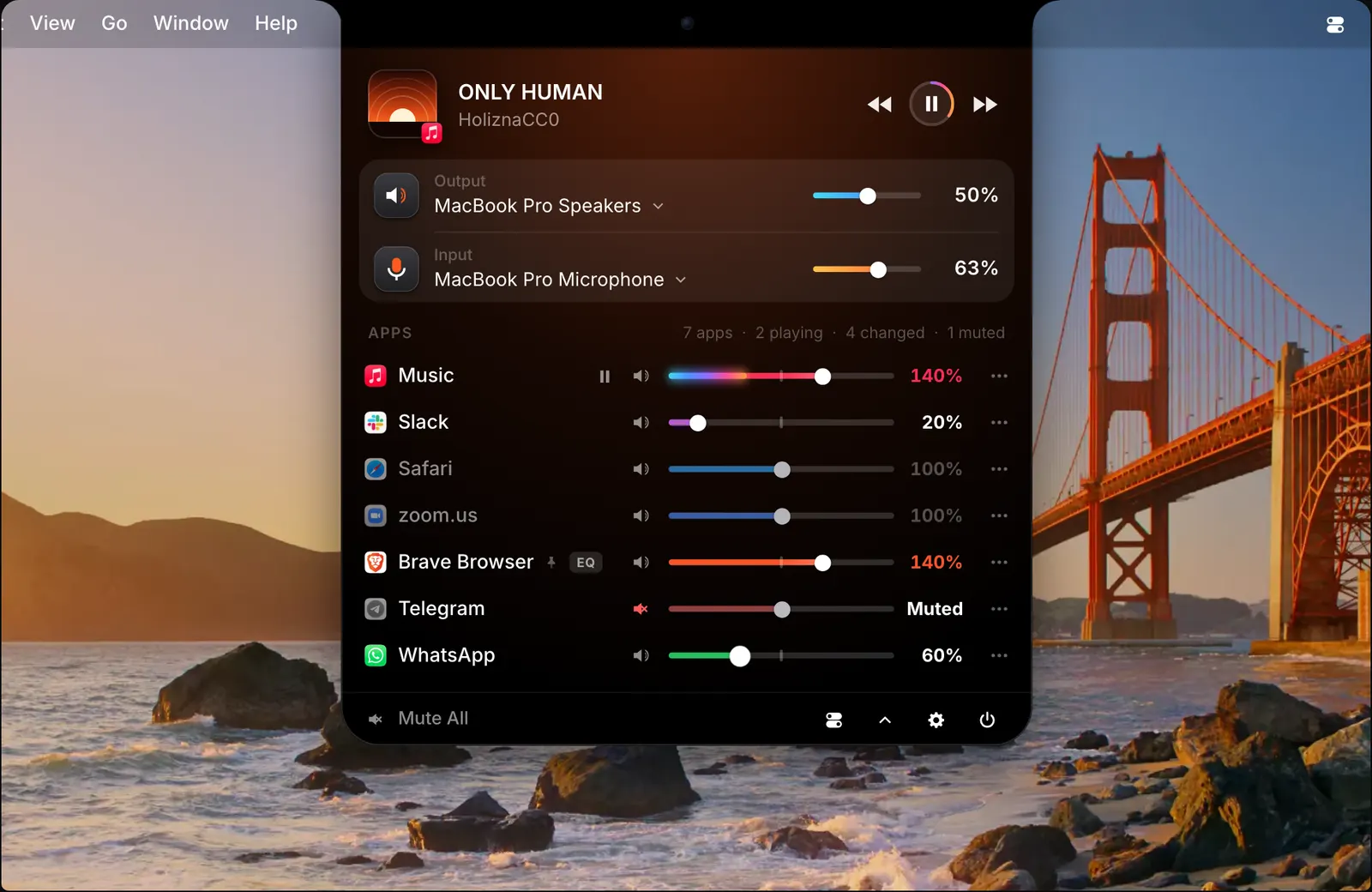
It is the same mixer as the one in the notch. In the picture it shows the song, the Mac’s output and input with a slider each, a line saying that zoom.us is using the microphone, and the apps with their sliders. Safari carries a MONO tag and Brave an EQ tag.
Choosing where it opens
On a MacBook with a notch, choose Notch or Menu bar in Settings > Notch, under Show in. To have both, turn on Show the menu bar item in Settings > General.
You can also choose how the notch opens: when the pointer hovers over it, or on a click.
Which one is better is a matter of taste. The notch keeps the menu bar free. The menu bar works the same on every display.
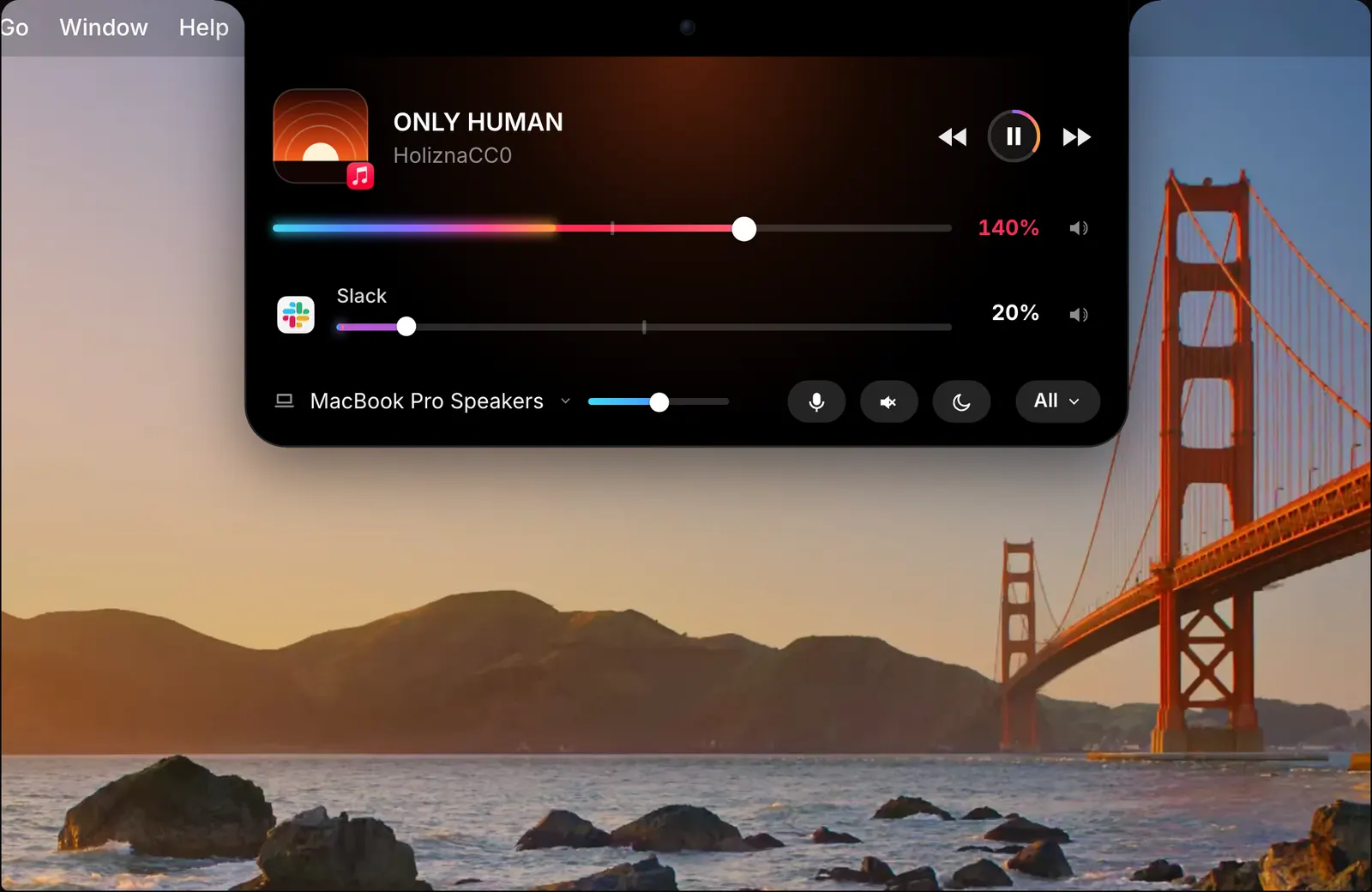
Next to another notch app
If you already use a notch app, SoundBar can leave the notch to it. Choose Menu bar and the two never draw over each other. If DynamicLake, Droppy, NotchNook, Alcove or boring.notch is running when you set SoundBar up, it picks the menu bar for you.
Pin an app or an output to the menu bar
An app or an output device can have its own item in the menu bar. Scroll over the item to change its volume without opening the mixer.
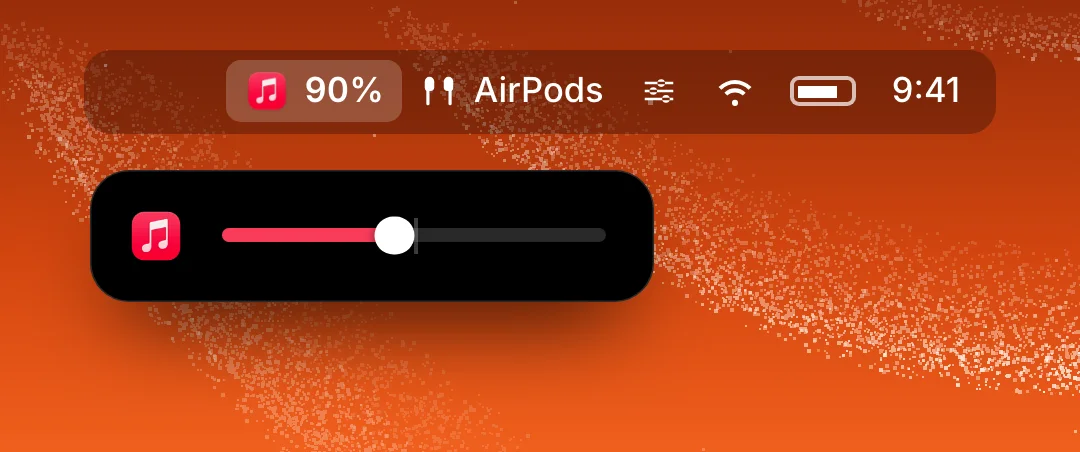
In the picture, Music is pinned with its level beside its icon, and AirPods are pinned next to it. Pin the app you adjust all day and its volume is always one scroll away.
Notices, appearance and size
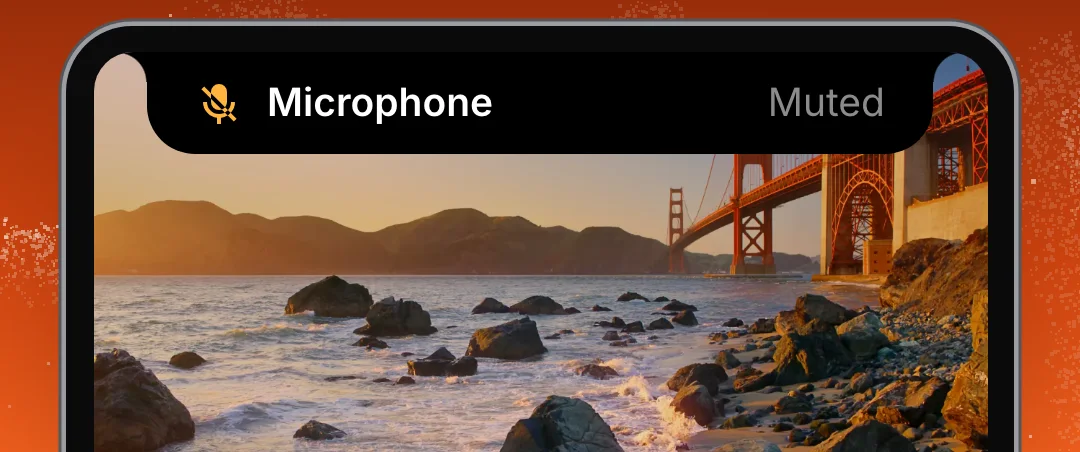
The notch shows a short notice when a device connects, a volume changes, or an app starts using the microphone.
The mixer has a light and a dark appearance and comes in three sizes: Compact, Regular and Relaxed. Choose a size in Settings > General. Each slider takes its colour from its app’s icon.
How to use it
- 1
Open Settings > Notch
Find the Show in setting.
- 2
Choose Notch or Menu bar
SoundBar opens from the one you pick.
- 3
Turn on both if you want them
Switch on Show the menu bar item in Settings > General.
The details
- Opens from
- The notch, the menu bar, or both
- Without a notch
- The menu bar, on a Mac or an external display
- Setting
- Settings > Notch > Show in
- Both at once
- Show the menu bar item, in Settings > General
- Sizes
- Compact, Regular and Relaxed
- Appearance
- Light and dark
Questions
Do I need a MacBook with a notch?
No. On a Mac without a notch, SoundBar runs in the menu bar and the same mixer opens from there.
Can I have SoundBar in the notch and the menu bar at once?
Yes. Choose Notch in Settings > Notch, then turn on Show the menu bar item in Settings > General.
Does it work with DynamicLake or another notch app?
Yes. Choose Menu bar in Settings > Notch and SoundBar leaves the notch to the other app. If DynamicLake, Droppy, NotchNook, Alcove or boring.notch is running during setup, it picks the menu bar for you.
Does it work on an external display?
Yes. On an external display the mixer opens from the menu bar.
Can I keep one app’s volume in the menu bar?
Yes. Add an app or an output device to the menu bar as its own item, and scroll over it to change its volume.
The same feature on the app's own site: soundbarmac.com/