
Eleven triggers
Each rule waits for one thing. You set the detail when you pick it: which app, which network, which device, what time.
- An app is open
- The screen is shared or recorded
- The Mac is on battery, or on the charger
- The battery is below a level you pick
- A second display is connected
- A Wi‑Fi network
- A device is plugged in
- A Focus is on
- The screen is locked
- A time: one moment in the day, or a span with an end

What a rule can do
The other half of a rule is a list of changes, run in order. A rule can turn switches on or off, run actions such as Empty Trash or Lock Screen, make a browser the default, start a mode, or hide a menu bar icon. Add as many as you like.
If a rule starts a mode, the mode stops when the rule ends.

Undo when the trigger ends, or not
When the trigger stops being true, the rule restores what it changed, and only where the setting is still as the rule left it. A change you made by hand in the meantime is kept. A rule that was running is remembered across a restart.
Some rules shouldn’t undo themselves. Dark Mode at sunset that you would rather switch off yourself in the morning is one. Each rule has a setting to leave things as they are. A time without an end works the same way: the rule runs once, and what it changed stays.

Rules and modes
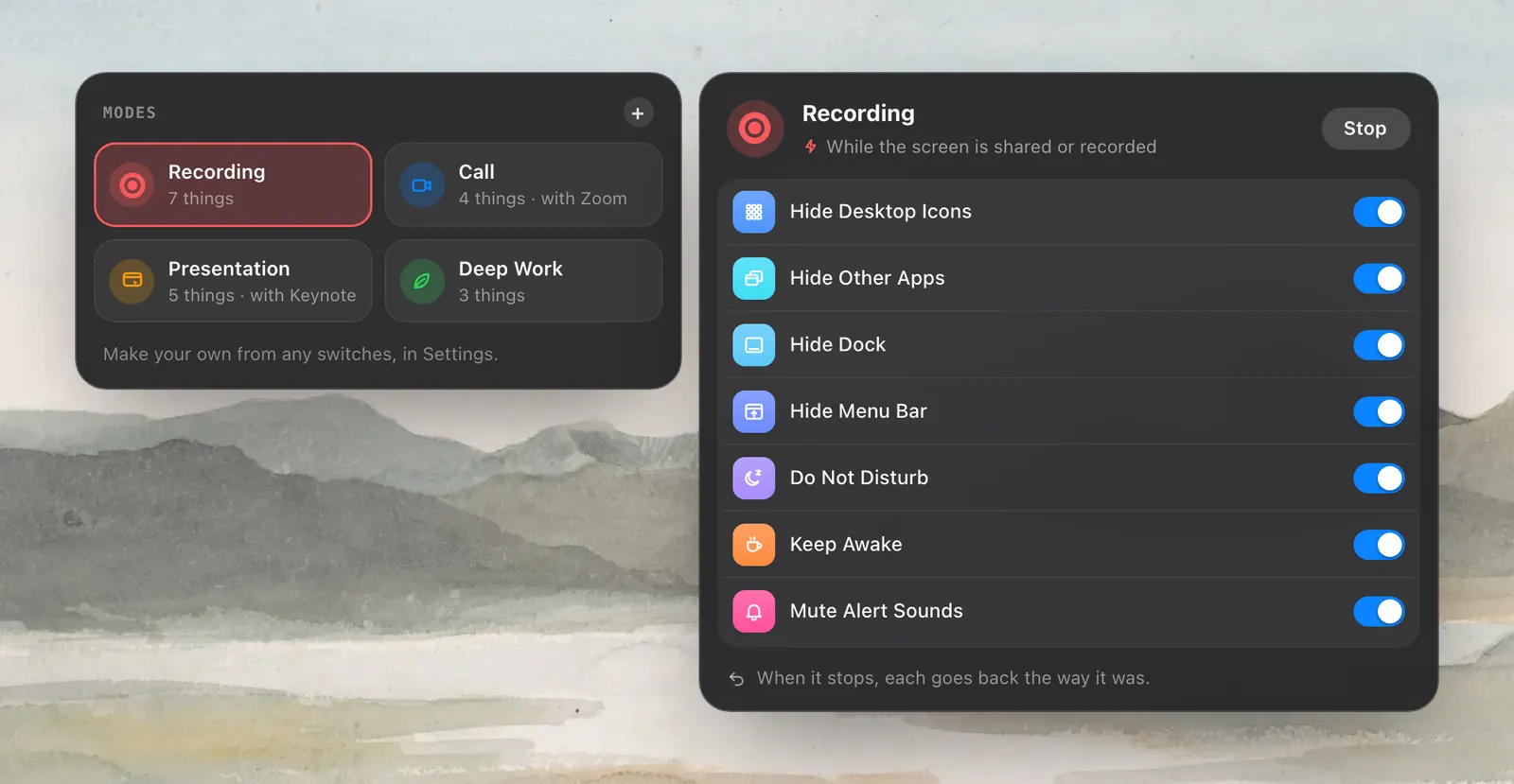
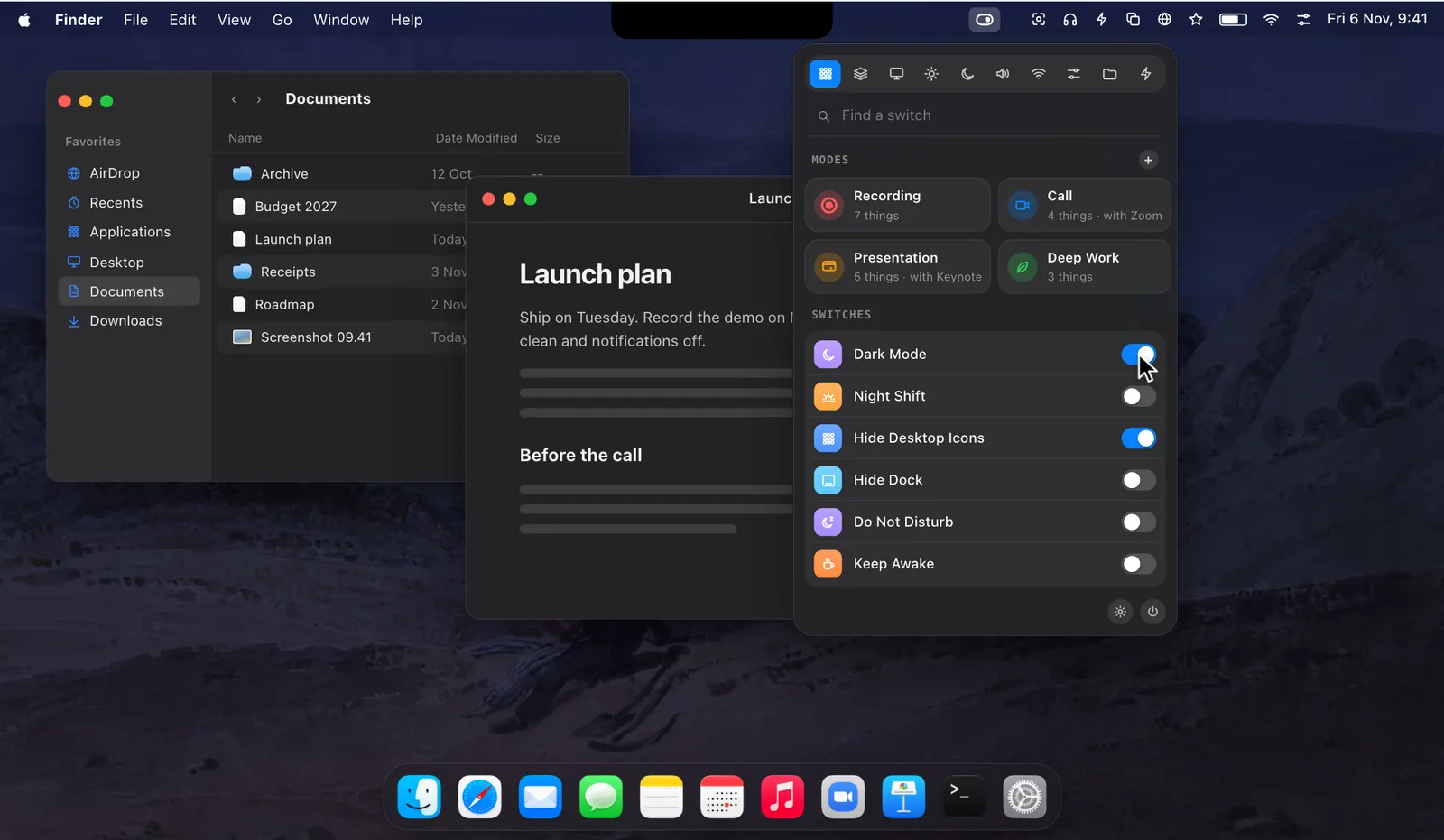
A mode is a set you manage: it has a name and a tile, and you can start it by hand. A rule is lighter. It has one trigger and a few changes, and it runs with no mode to look after. Each rule has its own switch in Settings › Rules, and its row says when it last ran.
Levers suggests three to begin with: Low Power Mode when the battery is below 20%, Dark Mode and Night Shift from 20:00 to 7:00, and Keep Awake with Do Not Disturb while a second display is connected.
macOS can schedule Dark Mode and Night Shift on its own, and a Focus can follow a few apps. A rule can follow almost anything, set almost any switch, and put it back afterwards.
How to use it
- 1
Open Settings › Rules
Click Add Rule, or add one of the ideas under the list.
- 2
Pick the trigger
Choose what the rule waits for, then set its app, network, device or time.
- 3
Add what it does
Switches, actions, a default browser, a mode or a menu bar icon.
- 4
Leave it on
Each rule has its own switch, and its row shows when it last ran.
The details
- Triggers
- Eleven: an app, screen sharing, battery, charger, battery level, second display, Wi‑Fi network, device, Focus, screen locked, time
- A rule can
- Turn switches on or off, run actions, set the default browser, start a mode, hide a menu bar icon
- When the trigger ends
- What the rule changed is put back, unless you tell that rule to leave it
- Suggested rules
- Low Power Mode below 20% battery; Dark Mode and Night Shift from 20:00 to 7:00; Keep Awake and Do Not Disturb with a second display
- Licence
- Rules run while Levers is licensed or in its free trial
- Where it is
- Settings › Rules
Questions
Can a rule turn on Low Power Mode at a battery level I choose?
Yes. Use the battery-below trigger and set the level. macOS on its own offers Low Power Mode on battery or always, not at a level.
Can a rule start a mode?
Yes. Add the mode to what the rule does. The mode stops when the rule ends.
How is a rule different from a mode’s trigger?
A mode’s trigger starts the whole mode. A rule is lighter: one trigger and a few changes, without a mode to manage.
Can a rule run at a time and leave its changes in place?
Yes. A time without an end runs the rule once, and what it changed stays.
Do rules keep running without a licence?
Rules run while Levers is licensed or in its free trial. Anything a rule already changed is still put back.
The same feature on the app's own site: leversmac.com/features/rules