Three commands make a switch
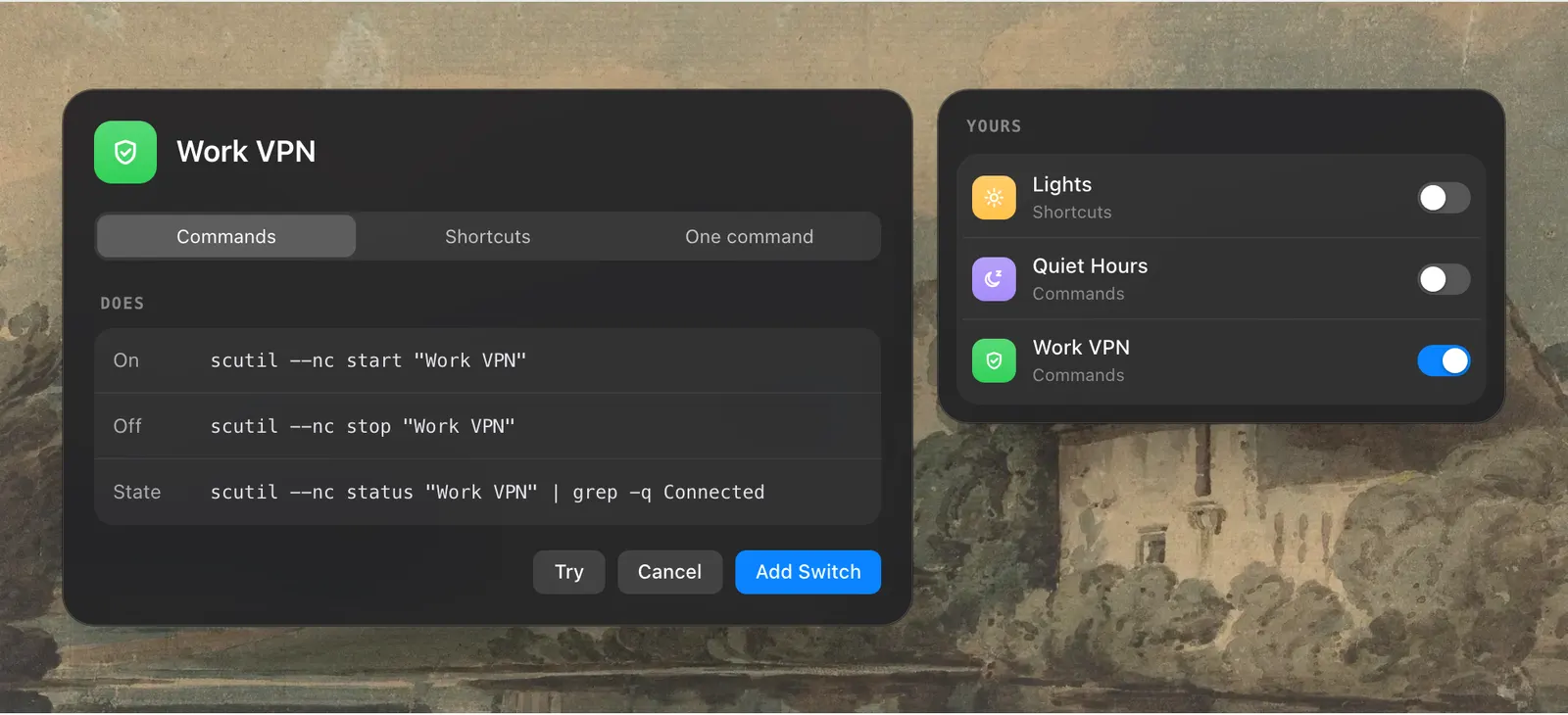
A switch built from commands has three fields. One command turns the thing on, one turns it off, and one reports whether it is on. For a VPN that could be scutil --nc start "Work VPN", scutil --nc stop "Work VPN" and a status check, or tailscale up, tailscale down and tailscale status.
The third command is what keeps the switch honest. Levers runs it to read the real state, so the switch is right even when something else turned the VPN off. Without a status command, the switch shows what you last set it to.
Commands run as you, in your shell. They don’t run with administrator rights, and Levers doesn’t check what they do.
Or a shortcut for each direction
If you would rather not write commands, pick a shortcut from the Shortcuts app to turn the thing on and another to turn it off. Anything Shortcuts can do can become a switch this way, and you can mix a shortcut with commands if that suits you.
Your switches are listed under Yours in the dropdown, each marked Commands or Shortcuts, with the same toggle as the built-in ones.

It works everywhere the others do
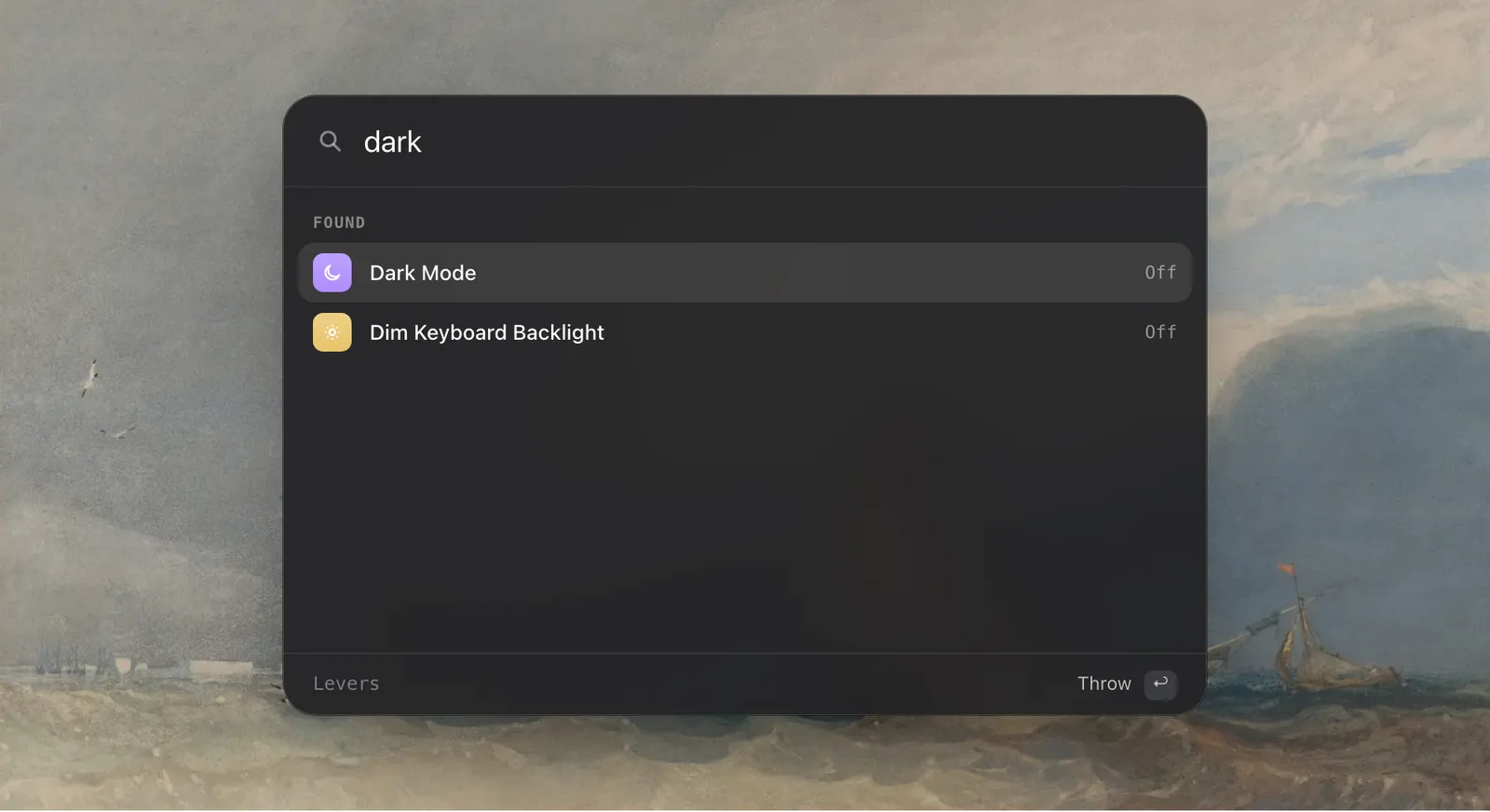
Once added, the switch is a full member of Levers. The palette finds it by name. It can be a step in a mode or a rule, so a call mode can turn the VPN on and turn it off again when the call ends. It can have a hotkey in Settings › Shortcuts, and it is in the Shortcuts app and reachable with Siri.
It also gets a link of its own. A switch called Work VPN answers to levers://work-vpn/toggle, which Raycast, Alfred, a Stream Deck or a script can open.

What people use it for
The examples on the Levers site are a VPN such as Tailscale, a dev server, studio lights, speakers and a background sync. Without a switch, these live in Terminal history or in a shortcut you have to go and find. What they share is a way to be turned on and a way to be turned off. If the thing has a command or a shortcut for both, it can be a switch.
How to use it
- 1
Open Settings › Switches
Click Add Switch.
- 2
Name it
Give the switch a name and a symbol.
- 3
Fill in what it does
A command for on, one for off and one for the state, or a shortcut for on and off.
- 4
Use it
It is now in the dropdown, the palette, modes, rules and Settings › Shortcuts.
The details
- Made from
- Shell commands, or shortcuts from the Shortcuts app
- Commands
- On, Off and State
- Commands run
- As you, in your shell, without administrator rights
- Without a status command
- The switch shows what you last set
- Works in
- The dropdown, the palette, modes, rules, hotkeys, the Shortcuts app, Siri, levers:// links
- Where it is
- Settings › Switches › Add Switch
Questions
Can a custom switch turn Tailscale or another VPN on and off?
Yes, as long as it has a command or a shortcut for on and for off.
Do my commands run as administrator?
No. They run as you, in your shell. Levers doesn’t check what they do.
What if I don’t have a command that reports the state?
The switch still works. It shows what you last set it to.
Can a mode use my own switch?
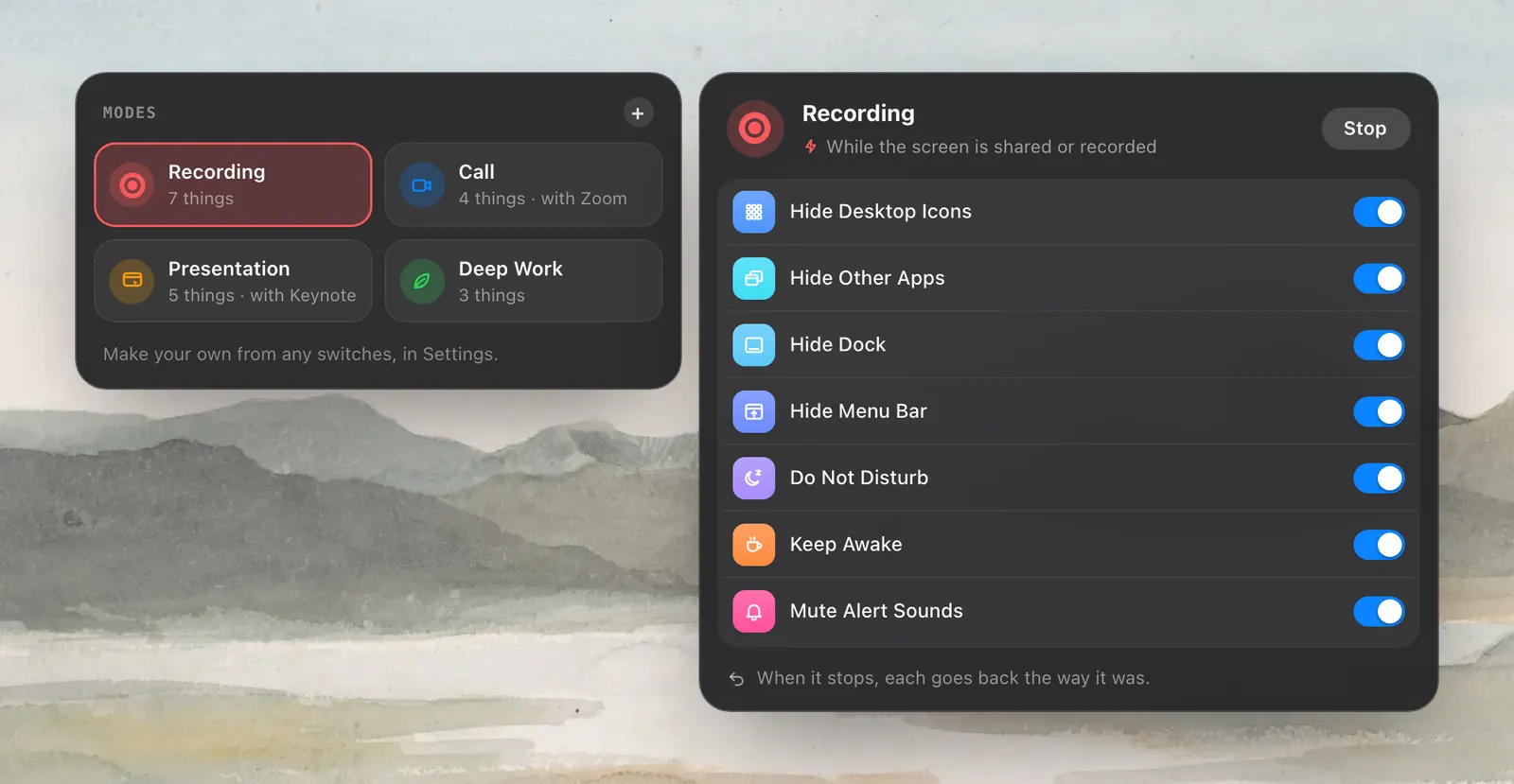
Yes. Add it as a step. A mode that turns it on turns it off again when the mode stops.
The same feature on the app's own site: leversmac.com/features/custom-switches