
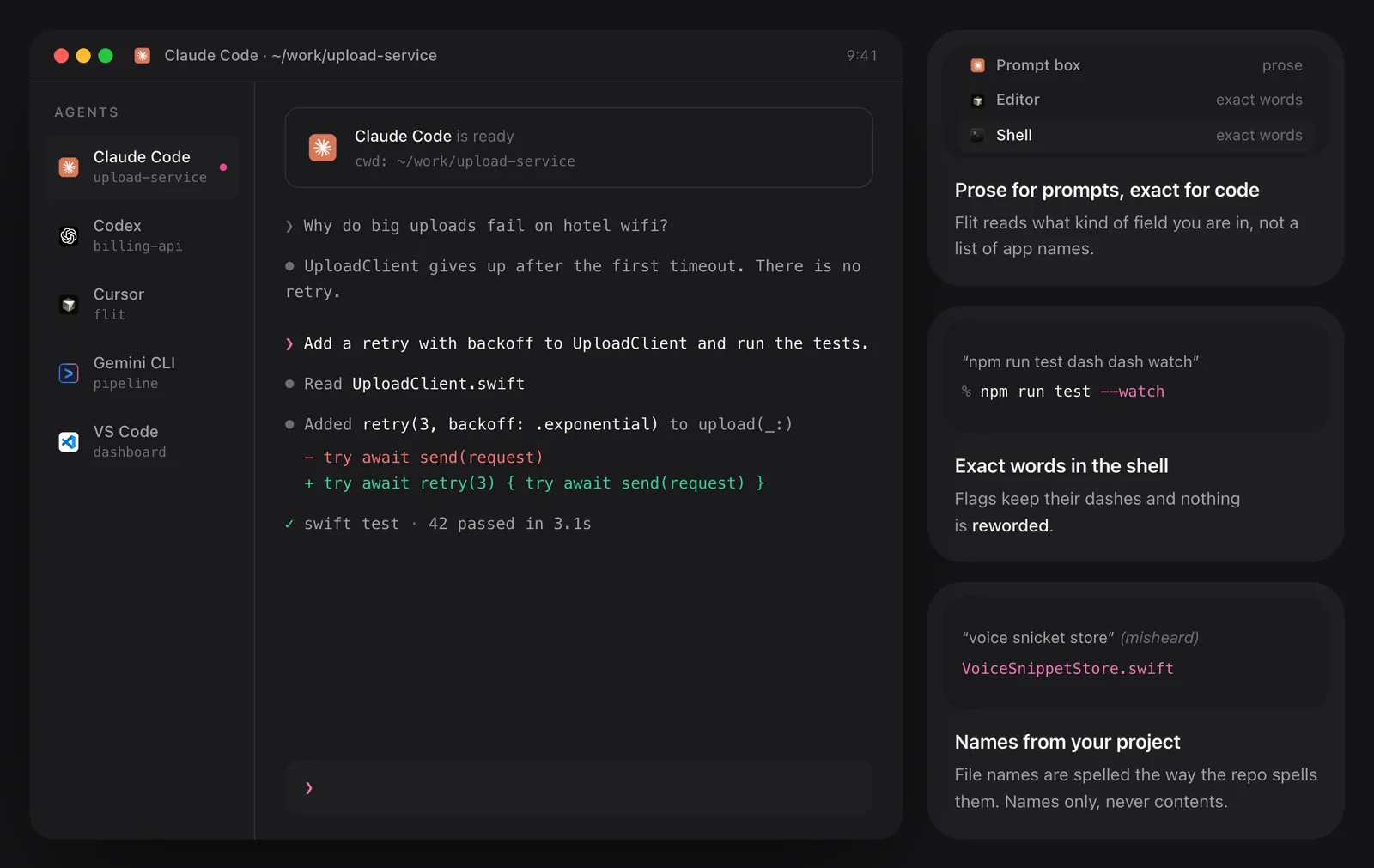
Prose for prompts, exact words for code
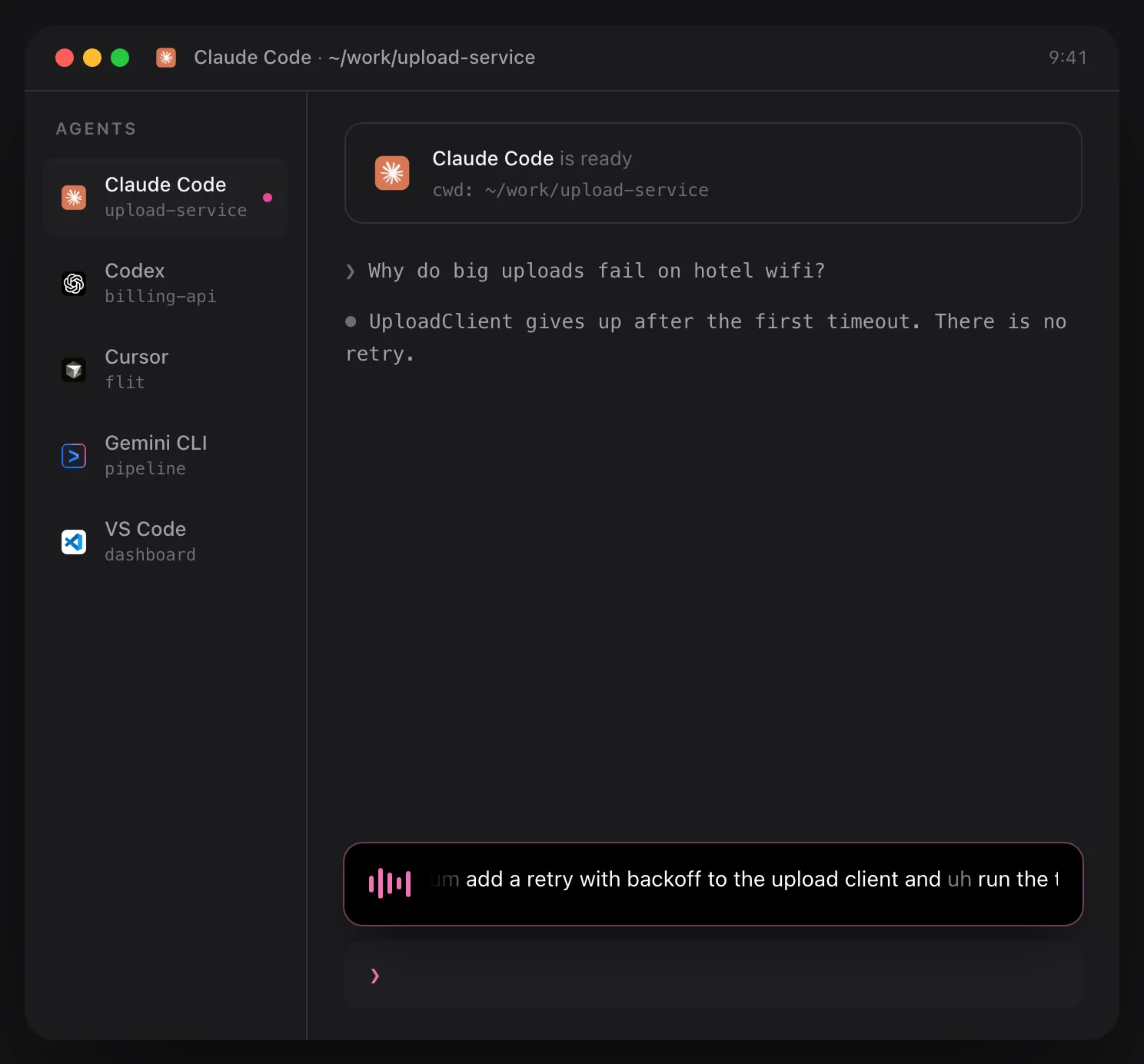
Say “um add a retry with backoff to the upload client and uh run the tests” and what lands in the prompt box is “Add a retry with backoff to UploadClient and run the tests.”, ready to send. In a shell or an editor nothing is reworded: “git log dash dash oneline” becomes git log --oneline, in about 0.15 seconds.
Flit tells these apart by the kind of field, not by a list of app names. One caution from Flit’s own guide: when an agent runs inside a plain terminal, expect your exact words there, not a tidied paragraph. The tidying happens in chat boxes, such as the Claude desktop app or an editor’s chat panel.
File names from your open project
Identifiers are where dictation usually falls apart. Flit reads the file and folder names of the project you have open, or of the terminal’s working directory, and uses them to repair what the voice model misheard. “Voice snicket store” becomes VoiceSnippetStore.swift, and “user auth service dot swift” becomes UserAuthService.swift.
It reads names and paths only, never the contents of a file. The index is held in memory, is never written to disk and never leaves the Mac.
Flags, paths and casing, spoken
More than 60 spoken commands are handled by fixed rules. “Dash dash force” gives --force, “tilde slash projects” gives ~/projects, and “open paren” gives an opening bracket. Say “camel case” or “snake case” and the rest of the sentence is joined that way: “snake case user auth service” is user_auth_service. In terminals and editors these commands are always on.
Longer commands survive too. “Git rebase dash i head tilde three” lands as git rebase -i HEAD~3, and “npm run test dash dash watch” as npm run test --watch. Flags keep their dashes and nothing is reworded. A terminal with no document open still gets your exact words.

Where it works
Flit’s site names Claude Code, Codex, Cursor, Gemini CLI, ChatGPT, VS Code, JetBrains IDEs, Xcode, Warp and Zed, along with Terminal, iTerm and Sublime. Any other app with a cursor works too. It does not matter how you sign in to an agent, an API key included, and no audio leaves the Mac.
One thing to know: Flit inserts text by pasting, so Claude Code shows a long dictation as a pasted-text placeholder.
Nothing about your code is sent anywhere: the voice model and the project index both run on the Mac.
The details
- Named on Flit’s site
- Claude Code, Codex, Cursor, Gemini CLI, ChatGPT, VS Code, JetBrains, Xcode, Warp, Zed, Terminal, iTerm, Sublime
- In terminals and editors
- Your exact words, in about 0.15 s
- Project index
- File and folder names only, held in memory
- Spoken commands
- More than 60, always on in terminals and editors
- Case commands
- camel case, pascal case, snake case, kebab case
- Needs
- No plugin, no account and no connection
Questions
Does Flit read my source code?
No. It reads file and folder names and the path of the open document. File contents are never read, and the index stays in memory on your Mac.
Do I need Claude Code’s /voice command?
No. Flit types at the cursor from outside the app, so it needs no account, no /voice and no connection.
Will it reword my shell commands or commit messages?
No. In terminals and editors Flit types your exact words. Prose formatting applies in chat, mail and documents.
Which editors and terminals does it work in?
Terminal, iTerm, Warp, Xcode, VS Code, Cursor, Zed, Sublime and JetBrains IDEs, plus any other app with a cursor.
The same feature on the app's own site: flit.fyi/dictate-to-claude-code


