
Two ways to add a word
The dictionary is for the words no voice model has seen: a colleague called Anya, a product called Supabase, a framework like SwiftUI. Paste a list of names and terms in at once. Or do nothing special: when Flit notices that you have fixed the same word by hand twice, it asks whether to remember it. Press Add and the word is spelled your way from then on, in every app. Press Not now and nothing changes.
Nothing is learned without that yes.
How a misheard word is repaired
With the Qwen3-ASR and Whisper voice models, your terms reach the recognizer before it decodes, so it is more likely to hear them correctly in the first place. Whatever a model still gets wrong is repaired afterwards by rule. “Kuber netties” becomes Kubernetes and “ann yah” becomes Anya, because those are your words and the misheard versions are not words at all. Real words are never rewritten.
With a Parakeet voice model there is an optional word check, a 98 MB download you turn on in Settings → Dictionary. It puts dictionary words back where Parakeet misheard them, such as “Cloudflur” for Cloudflare. It works when you dictate in English, never replaces an ordinary English word, and runs on your Mac like every other model in Flit.
Scope, ranking and where the list is kept
A term can apply to all languages or to one, so a German word is not forced into your English. Flit counts how often each term is used and ranks the ones you say most first.
The whole list is a plain file on your Mac that you can copy to another one. There is no sync between Macs, because sync would need an account and a server. Your dictionary carries over when Flit updates.
Dictionary words are inserted exactly as you saved them. The formatting model is not allowed to respell them, in the same way that it cannot touch a clock time or a snippet.
Dictionary entry or snippet?
They do opposite jobs. A dictionary entry is one word the engine tends to get wrong, spelled your way. A snippet is a short phrase that stands for a longer saved text. Use the dictionary for a colleague’s name and a snippet for your address.
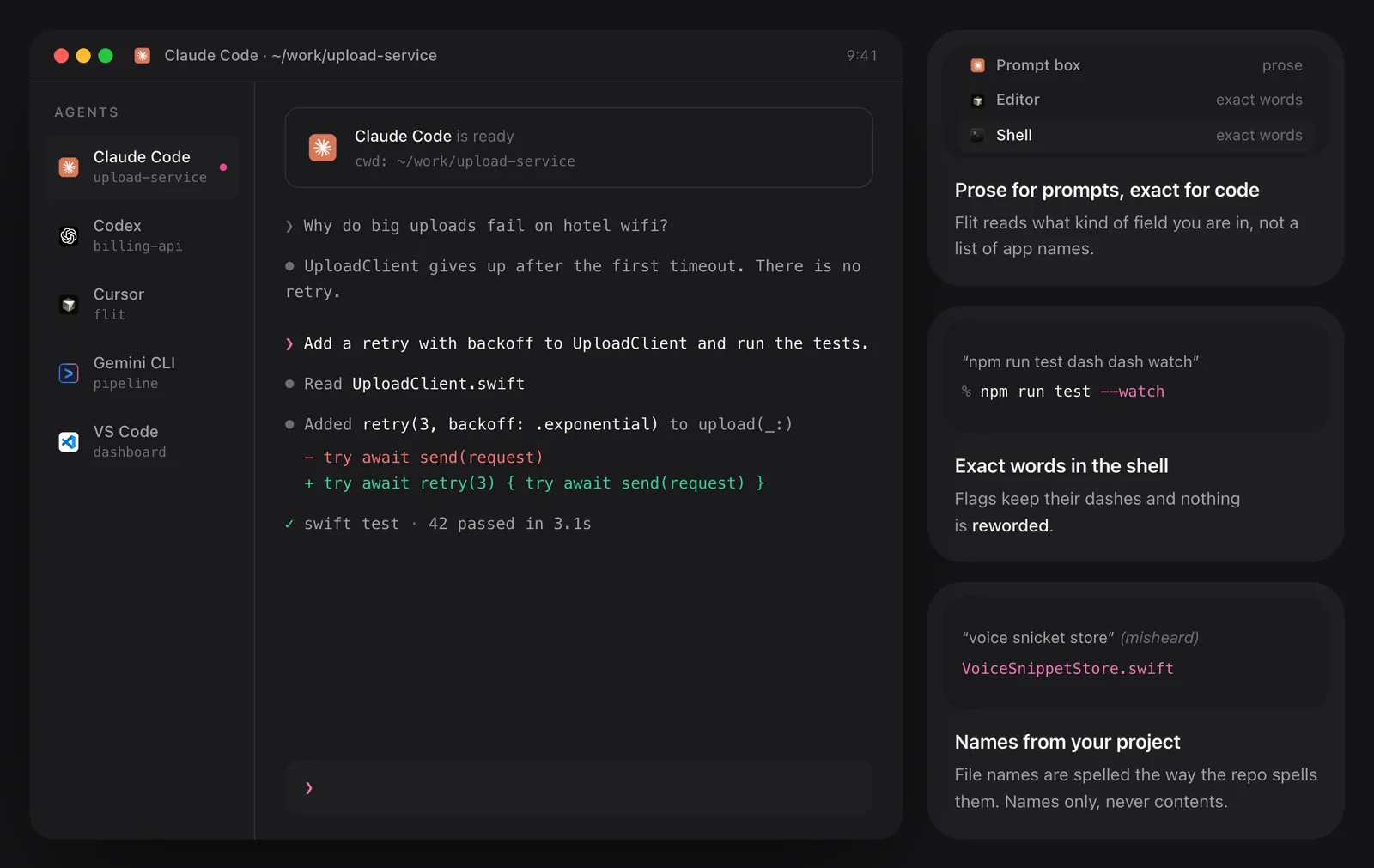
In a code editor or terminal you often need neither: Flit already reads the file names in your open project and spells those from the project itself.
How to use it
- 1
Add the words you already know about
Paste your names, products and terms in as one list.
- 2
Dictate as usual
When a word comes out wrong, correct it by hand.
- 3
Answer the question
After the second correction Flit asks “Remember …?”. Press Add to keep the word, or Not now to leave it.
The details
- Learning
- Only when you say yes
- Suggestion appears
- After you correct the same word twice
- Scope
- All languages, or one language
- Order
- Most used first
- Storage
- A plain file on your Mac; no sync
- Parakeet word check
- Optional, 98 MB, English, in Settings → Dictionary
Questions
Does Flit learn words on its own?
No. It suggests a word after you have corrected it twice, and adds it only when you press Add.
Can I move my dictionary to another Mac?
Yes. It is a plain file you can copy across. There is no automatic sync.
Will it turn ordinary words into my terms?
No. It repairs the known mishearings of your terms, which are not words themselves. Real words are left alone.
Does the dictionary work with every voice model?
The repair rules work with every model. Qwen3-ASR and Whisper also receive your terms before they decode, and Parakeet has an optional word check.
The same feature on the app's own site: flit.fyi/features